How to Replace the Battery in Your Can-Am Commander
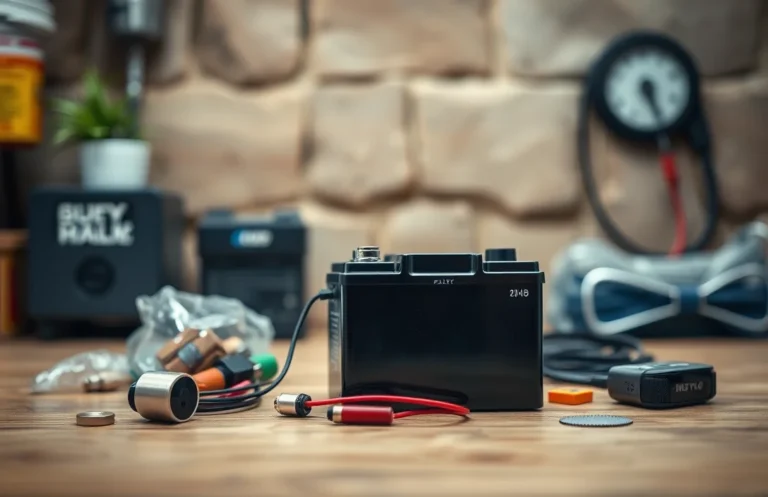
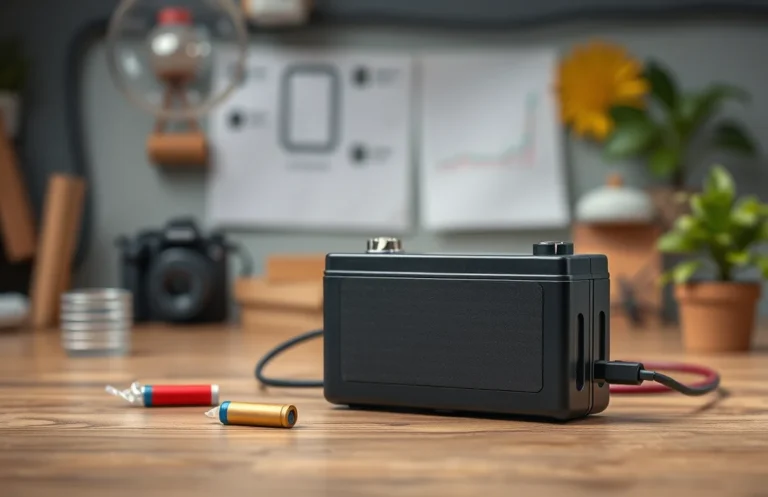
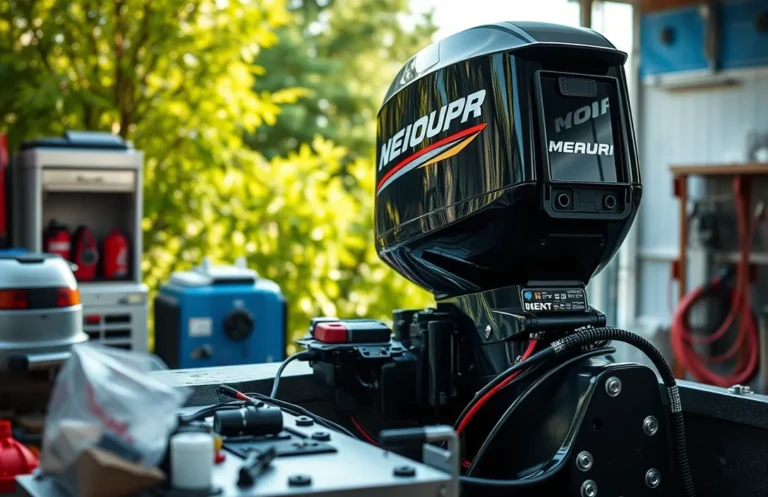
Replacing the battery in your Can-Am Commander is essential for maintaining optimal performance and reliability. A well-functioning battery ensures your vehicle starts smoothly and powers all electrical components effectively. Knowing how to replace it can save you time and money while keeping your adventures uninterrupted.
For a successful battery replacement, ensure you have the right tools and follow safety precautions. Key points include disconnecting the negative terminal first, using the correct replacement battery type, and reconnecting terminals properly to avoid electrical issues.
Identifying Battery Specifications
Finding the correct battery type for your Can-Am Commander is essential for ensuring optimal performance. Different models may require specific battery specifications, so it’s crucial to identify the right one before proceeding with a replacement. Here’s how to determine which battery you need:
- Consult the Owner’s Manual: Start by checking your owner’s manual. It contains vital information about the recommended battery specifications for your specific model.
- Check the Existing Battery: If the manual is unavailable, inspect the current battery. Look for labels or markings that indicate the model number and specifications, including voltage and size.
- Visit the Manufacturer’s Website: Go to the Can-Am official website or contact customer service. They can provide detailed specifications based on your Commander’s VIN (Vehicle Identification Number).
- Research Online Forums: Engage with online communities or forums dedicated to Can-Am vehicles. Other owners may share insights about battery replacements for similar models.
By following these steps, you can ensure that you select the right battery type, setting the stage for a smooth replacement process.
Tools Required for Replacement
Replacing the battery in your Can-Am Commander requires specific tools to ensure the process is efficient and safe. Having the right equipment on hand will streamline the procedure and minimize the risk of damage or injury. Below is a list of essential tools needed for a successful battery replacement.
- Wrench Set: A set of wrenches, including socket wrenches, will help you remove the battery terminals easily.
- Screwdriver: A flathead and Phillips screwdriver will assist in removing any screws securing the battery cover or brackets.
- Gloves: Protective gloves are necessary to safeguard your hands from battery acid and other hazards during the process.
- Safety Goggles: Eye protection is crucial to shield against any potential splashes or debris.
- Multimeter: This tool is useful for checking the battery’s voltage and ensuring the new battery is functioning properly before installation.
Gather these tools before starting the battery replacement to facilitate a smooth and effective process.
Safety Precautions to Follow
Before replacing the battery in your Can-Am Commander, ensure you take safety seriously to avoid accidents and injuries. Following the right precautions will protect not only you but also the vehicle’s electrical system and components.
Always wear safety goggles and gloves during the battery replacement process. This protects your eyes from any acid splashes or debris, while gloves prevent skin irritation from battery acid or corrosion. Additionally, work in a well-ventilated area to avoid inhaling any harmful gases that may be emitted from the battery.
Ensure the engine is completely off and that the keys are removed from the ignition. This minimizes the risk of electrical shocks and accidental starts. Disconnect the negative terminal first to prevent short circuits, followed by the positive terminal. Be cautious not to touch tools between the terminals, as this can create sparks and damage the vehicle.
By following these essential safety measures, you will create a secure environment for replacing the battery, ensuring a smooth process with minimal risks involved.
Step-by-Step Battery Removal
Removing the old battery from your Can-Am Commander is a straightforward process. Follow these steps carefully to ensure a safe and effective removal. Make sure you have the necessary tools and safety equipment ready before starting.
- Disconnect the negative terminal: Use a socket wrench to loosen the nut on the negative terminal. Carefully lift the cable off and ensure it is away from the battery.
- Disconnect the positive terminal: Repeat the process for the positive terminal. Loosen the nut and remove the cable, placing it away from the battery to prevent accidental contact.
- Remove any securing mechanisms: Check for any brackets or straps holding the battery in place. Use the appropriate tools to remove them.
- Lift out the battery: With the terminals disconnected and any securing mechanisms removed, carefully lift the battery out of the compartment. Be cautious, as batteries can be heavy.
- Inspect the battery compartment: Before installing a new battery, check the compartment for any corrosion or debris. Clean it if necessary to ensure a good fit for the new battery.
Installing the New Battery
Proper installation of the new battery is crucial for ensuring that your Can-Am Commander operates smoothly. Follow these steps to securely place the new battery into the vehicle’s compartment, ensuring correct alignment and stability.
- Position the new battery into the compartment, aligning it with the battery tray. Make sure the terminals are facing the correct direction, typically with the positive terminal on the left side.
- Once aligned, gently lower the battery into place. Ensure it is seated firmly in the tray, without any undue pressure on the terminals.
- Secure the battery with the hold-down bracket if your model includes one. This prevents movement while driving and protects the battery from potential damage.
- Inspect the battery for any signs of damage or improper placement, ensuring that it is stable and correctly positioned before proceeding to the next steps of your replacement process.
Connecting Battery Cables Correctly
Properly connecting the battery cables is crucial to ensure your Can-Am Commander operates smoothly after a battery replacement. Follow these steps to securely attach the positive and negative cables, avoiding any potential electrical issues.
- Connect the Positive Cable: Identify the positive terminal on the new battery, usually marked with a “+” symbol. Attach the positive cable (typically red) to this terminal and tighten the nut securely with a wrench.
- Connect the Negative Cable: Next, locate the negative terminal, marked with a “-” symbol. Attach the negative cable (usually black) to this terminal and also secure it tightly with a wrench.
- Check Connections: Ensure both connections are firm and that there’s no corrosion on either terminal. A loose connection can lead to electrical issues, so double-check that everything is snug.
- Final Inspection: Before closing any covers or starting the vehicle, inspect the battery area for any tools or materials left behind. Make sure there’s nothing obstructing the battery or the cables.
With the cables connected correctly, you can now proceed to test the new battery by starting your Can-Am Commander, ensuring a smooth and reliable performance.
Quick Summary
- The Can-Am Commander battery typically lasts 3-5 years, depending on usage and maintenance.
- Regularly check battery terminals for corrosion to ensure optimal performance.
- Choose a high-quality replacement battery compatible with the Can-Am Commander model.
- Consider professional installation if you are unfamiliar with battery replacement procedures.
- Always disconnect the negative terminal first when replacing the battery to avoid electrical shorts.
- Proper disposal of the old battery is essential; check local regulations for recycling options.
- Refer to the owner’s manual for specific instructions and safety precautions during replacement.
Frequently Asked Questions
1. How do I know when it’s time to replace my Can-Am Commander battery?
Signs that your battery may need replacement include slow engine cranking, dim headlights, or warning lights on the dashboard. Additionally, if your battery is over three years old and shows these symptoms, it’s advisable to consider a replacement.
2. What type of battery does the Can-Am Commander use?
The Can-Am Commander typically uses a 12V lead-acid battery, specifically designed for off-road vehicles. It’s important to check your owner’s manual for the exact specifications to ensure compatibility.
3. How do I safely replace the battery in my Can-Am Commander?
To replace the battery, first, ensure the vehicle is turned off and disconnected from any power source. Remove the battery cover, carefully disconnect the negative terminal followed by the positive terminal, and replace the old battery with the new one, reconnecting the terminals in reverse order.
4. Can I use a different brand of battery for my Can-Am Commander?
While you can use different brands, it’s crucial to match the specifications of the original battery, such as size, voltage, and cold cranking amps (CCA). Brands that meet these requirements are usually acceptable, but using OEM parts can ensure optimal performance.
5. How can I extend the lifespan of my Can-Am Commander’s battery?
To extend battery life, ensure regular maintenance such as cleaning terminals and checking connections. Additionally, avoid deep discharges and make sure to charge the battery regularly, especially if the vehicle is not in use for extended periods.

- How to Jump-Start a Motorcycle with a Car Battery Safely - February 22, 2026
- Does Life360 Really Drain Your Battery? What You Should Know - February 22, 2026
- Do Hardwired Smoke Detectors Need Batteries for Backup Support? - February 22, 2026