How Long Do Duracell Batteries Last?
Duracell battery life is mostly about the label you pick (alkaline vs rechargeable) and the device drain. A “9V” or “coin cell” can look fine in a drawer, then drop fast in a high-drain gadget. The biggest mistake is assuming runtime is the same across brands, and across AA, AAA, and 9V. You’ll get shelf-life numbers, storage rules, and realistic runtime ranges by device type.
Duracell CopperTop alkaline batteries typically last years in storage, but runtime in a device depends on drain. Common AA or AAA remotes often run for months to years, while smoke alarms and digital cameras drain batteries faster. Duracell Rechargeable NiMH has shorter shelf life than alkalines, but can deliver consistent runtimes when recharged after use.
How Long Do Duracell Batteries Last?
Recommended Products


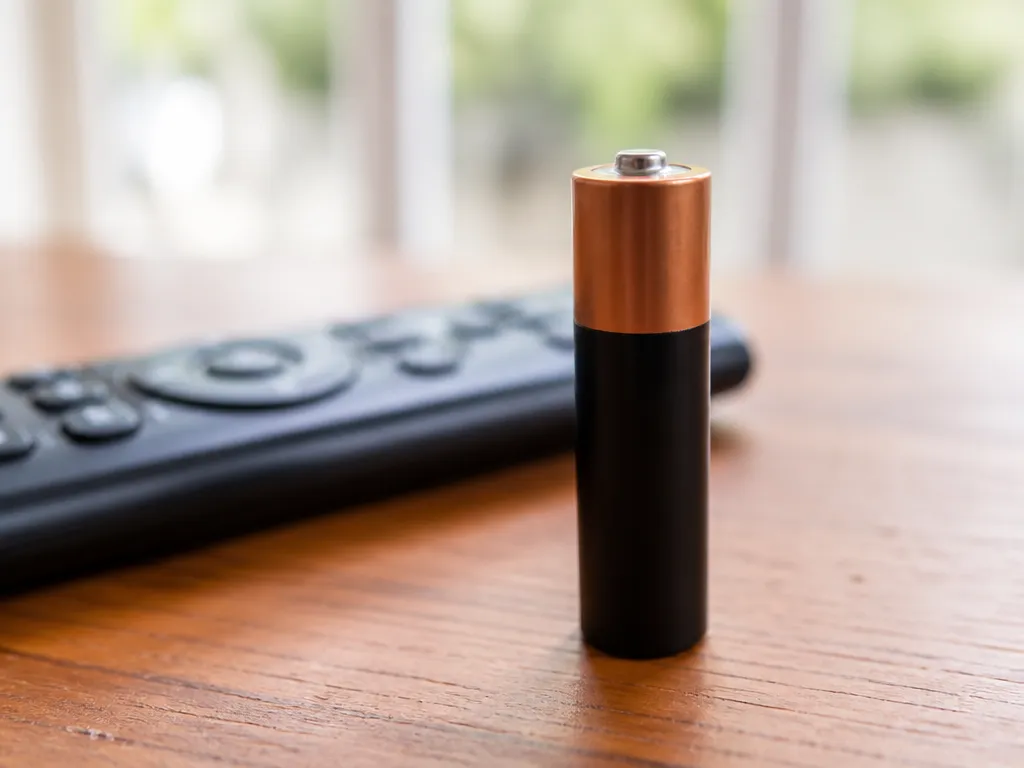
Duracell runtime in real devices is mostly a “power draw and duty cycle” story, not a single number. Alkaline batteries commonly last longer in low-drain items like remotes than in high-drain tools, because voltage sags faster under heavier loads. Expect the same battery size to vary by hours to days depending on how much current the device actually pulls.
“Last” can mean three different things in everyday use: usable capacity before the device starts acting weak, the time until the battery hits its end voltage under load, or the shelf life until performance drops. A strong way to set expectations is to estimate battery energy (watt-hours) from capacity, then compare it to device power needs (watts). When load is intermittent, runtime stretches because average current is lower than the peak current the device draws.
What Drives Big Differences Across Duracell Brands
Battery chemistry and construction change how the battery behaves as it discharges. Alkaline is common in everyday consumer devices, while other Duracell lines can target longer shelf life, steadier output, or lower self-discharge depending on chemistry. Battery age also matters: a “fresh” pack can feel dramatically better than batteries stored for years, especially in high-drain electronics.
Two practical labels to watch are the device’s battery type and the expected drain. A smoke alarm or thermostat can have very different power behavior than a flashlight or toy, even if both use the same size cells. For rechargeable systems you should treat charger mismatch as a runtime killer and a safety risk, while for disposable Duracell you should treat device compatibility and discharge behavior as the runtime limiter.
| Real device example | Typical drain pattern | Why runtime changes |
|---|---|---|
| TV remote | Low average current, short bursts | Voltage stays higher between bursts, so capacity lasts longer |
| Wall clock / sensor | Low continuous or periodic draw | Average load is gentle, so end-of-discharge comes later |
| Flashlight (especially high mode) | High continuous current | Higher internal losses cause faster voltage drop and earlier cutoff |
| Portable radio | Medium to high, often steady | Moderate-to-heavy drain shortens usable capacity |
Safety signs to stop: batteries that get hot, leak, smell “chemical,” or look swollen can indicate internal failure. Remove them carefully, keep them away from metal surfaces, and handle disposal per local rules.
Duracell line choice at a glance starts with your use case: low-drain “set it and forget it” devices prioritize steady long life, while high-drain devices prioritize how batteries hold voltage under load. The next sections break down the main Duracell lines so you can match chemistry and design intent to the drain profile of your device.
Duracell Lines: Coppertop To Ultra
Recommended Products


Duracell’s product lines target different discharge patterns. Coppertop Alkaline is the baseline pick for steady, moderate drain devices, Ultra is aimed at higher-drain loads, and Rechargeable NiMH is best when you cycle batteries repeatedly and want predictable, safer recharge behavior (with an appropriate NiMH charger).
For how long batteries last in real life, the deciding factor is drain rate plus how the device behaves as voltage drops. Many electronics draw current in pulses, and high-drain bursts can shorten usable life even if the total energy use is similar. That is why choosing the right Duracell chemistry for the load pattern matters more than chasing a single number.
Coppertop, Ultra, And Rechargeable Nimh In Practical Terms
CopperTop Alkaline is a solid “default” for flashlights that you use occasionally, remotes, wall clocks, and low to medium current toys. Ultra Alkaline is the better fit for equipment that pulls more current or demands frequent bursts, since its design is intended to support stronger performance under heavier loads than CopperTop in some devices.
Duracell Rechargeable NiMH is a different story because you get many charge cycles, but the voltage curve and capacity reporting differ from alkalines. NiMH also prefers smart chargers that detect charge completion, and it is wise to avoid mixing old and new cells in the same device.
In practice, NiMH shines when you recharge regularly, rather than buying disposable batteries again and again.
| Duracell line | Chemistry | Best match | Watch-outs |
|---|---|---|---|
| CopperTop | Alkaline (primary) | Low to moderate, steady drains | High-drain devices can reduce usable time faster as voltage sags |
| Duracell Ultra | Alkaline (primary) | Higher-drain bursts | Still disposable, so cycle cost is higher than NiMH |
| Rechargeable | NiMH (rechargeable) | Frequent use with charging | Use a NiMH charger, and avoid mixing different brands or ages in the same pack |
For example, a TV remote usually runs at low drain, so CopperTop often gives a longer “practical season” than an Ultra cell used in a high-drain flashlight. A handheld game controller or camera flash can benefit more from Ultra’s higher-drain orientation, while a rechargeable NiMH kit typically wins when you can charge between sessions.
Duracell line choice is also about avoiding “voltage cut-off surprises.” Devices with low-voltage shutdown can stop working while a battery still looks partially full in a voltmeter test, so you want the best match for the device’s drain behavior, not just the capacity headline.
Shelf Life For Unopened Duracell
Recommended Products
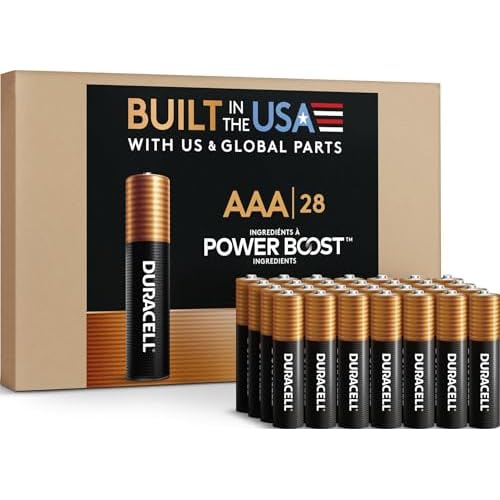
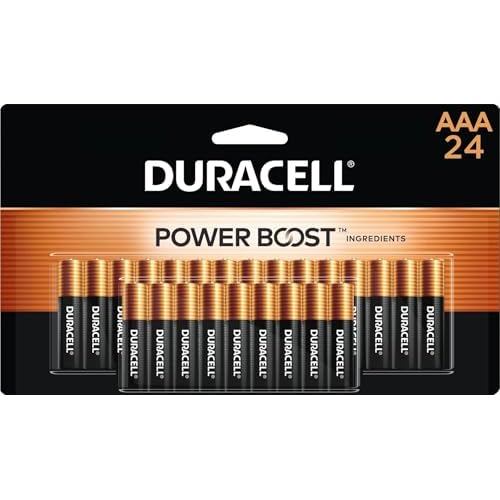
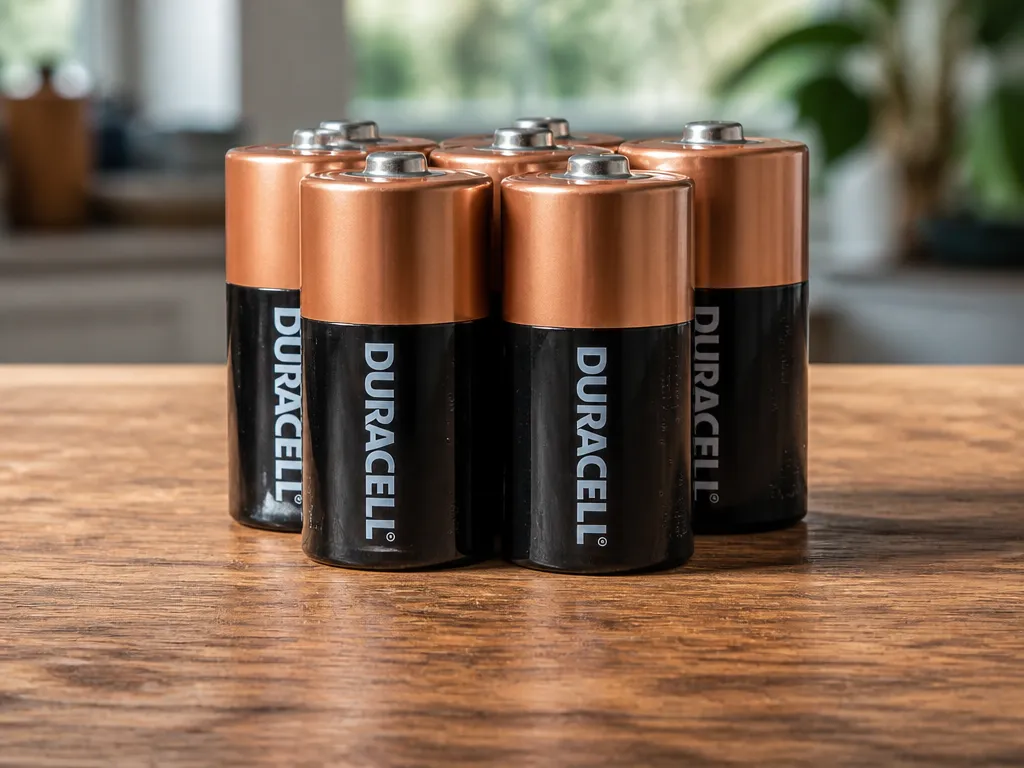
Unopened Duracell alkaline CopperTop batteries typically keep good performance for about 10 years when stored properly. Unopened Duracell rechargeable NiMH packs typically have a shorter shelf life, around 1 to 5 years depending on the exact pack and storage conditions. Exact dates can vary by product line and packaging, so check the printed “best by” or “use by” date on your specific cells.
Coppertop Unopened Shelf Life (Alkaline)
CopperTop alkaline cells are designed for long storage, and many consumers see them still working well years after purchase if they stayed dry and cool. Alkaline aging is mostly driven by slow internal chemical reactions and moisture exposure, which can increase self-discharge and reduce capacity over time.
For safety and performance, store CopperTops in their original packaging until use. Keep them away from humidity and extreme heat, and avoid leaving them in a vehicle glove box where temperatures can swing hard through the seasons.
| Duracell product (unopened) | Typical shelf life | Best storage conditions |
|---|---|---|
| CopperTop alkaline | ~10 years (if stored properly) | Cool, dry, stable temperatures, original wrapper |
| Rechargeable NiMH | ~1 to 5 years (depends on pack) | Cool, dry storage, avoid heat buildup |
Rechargeable Nimh Unopened Shelf Life
Duracell rechargeable NiMH cells lose some capacity as they sit due to self-discharge, even when they are unopened. Rechargeable packs also tend to show earlier performance drift if the storage area is warm or humid.
Rechargeable NiMH should be treated like a “use it sooner” category compared with alkalines. If you are buying rechargeable cells for a device you only uses occasionally, check the “best by” date and plan to test them before long-term reliance.
Storage Impact On Shelf Life
Heat is the main enemy for both alkaline and NiMH storage. Moisture can damage metal contacts and encourage corrosion, which raises resistance and can cause devices to misread battery status.
Practical tip: if a battery is years past the “best by” date, expect lower capacity and higher chance of early cutoff in high-drain devices, even if the battery “looks fine.”
Storage And Stock Rotation Guidelines
Recommended Products


Store Duracell batteries in a cool, dry place to slow self-discharge and prevent corrosion that can cause early failure. Aim for roughly room temperature (about 15 to 25℃) and low humidity, since high heat accelerates leakage and high moisture speeds up terminal corrosion.
Temperature And Humidity Targets
Heat is the main storage enemy for alkaline and similar consumer chemistries because it increases internal reactions that reduce capacity over time. Humidity is the quiet second issue, since damp air can create a conductive film on terminals and start corrosion even if the package looks intact.
Keep batteries away from attics, garages, window sills, and any area near HVAC vents or water heaters. Store them in their original packaging until use, and consider a sealed container with a dry environment if your storage area is humid.
Heat Exposure And Packaging Protection
Packaging is not just cardboard, it is a barrier against moisture and short-term temperature swings. Sliding batteries loose into a drawer exposes terminals to metal contact and humidity, which can raise the chance of corrosion and voltage drop under load.
For example, batteries that sit near a powered device or power supply can experience warm cycling if the area is poorly ventilated. If you see any sign of swelling, leaking, or heavy rust on terminals, remove that cell immediately and do not try to “test it back to life.”
Rotation And First-in/first-out Tips
Use first-in/first-out rotation so older packs get used before new stock, and write the purchase or receipt date on the outside of the package. When you buy batteries in bulk, store them in labeled groups by month so you can track which batch is older without opening everything.
For practical rotation, move a small “ready” stash into the places you actually use, then replenish from the oldest batch. When you replace a battery set in a device, check the old ones for leakage signs and dispose of any compromised cells rather than re-adding them to the stash.
Device Runtimes In Common Devices
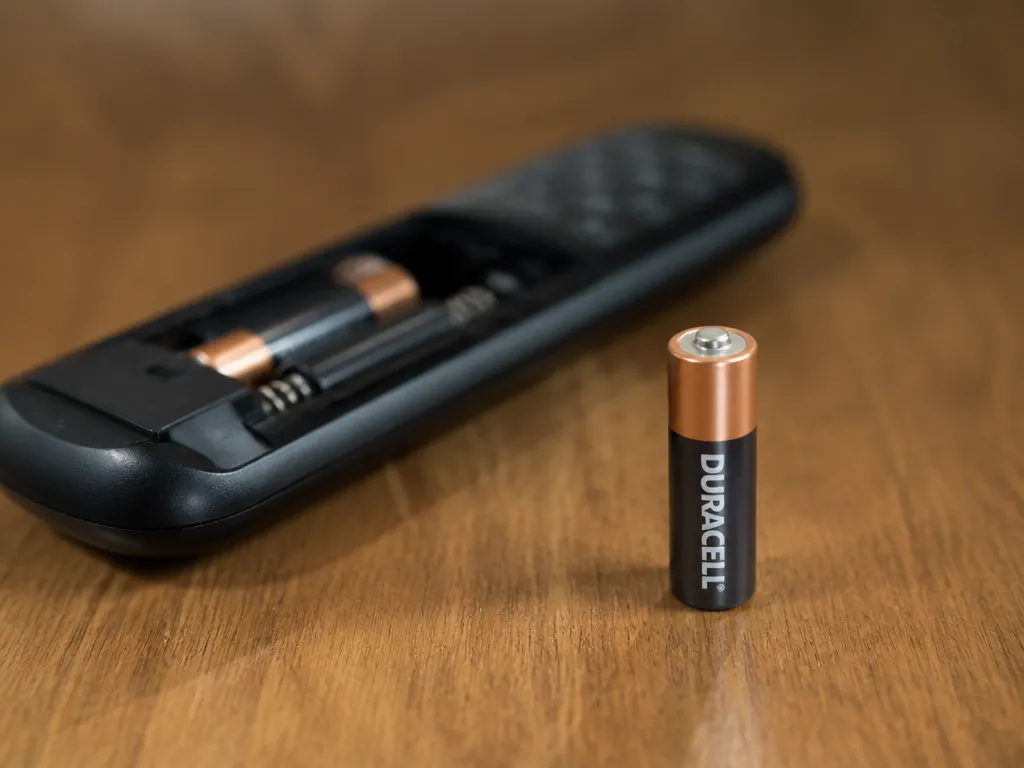
Duracell battery runtime is driven mostly by how many watts (or milliamps) your device draws and how quickly it pulls that current. A “typical” Duracell lifespan range only makes sense when you match low-drain versus high-drain use, because the same battery can run for days in a remote but only hours in a power-hungry flashlight or camera.
Duracell cell capacity is usually stated in mAh (milliamp-hours) or Wh (watt-hours) for rechargeables and sometimes energy ratings on other formats, but the device decides the real outcome. Higher current draw reduces usable capacity due to internal resistance, so the runtime often drops more than linearly as current increases.
Low-drain Vs High-drain Devices
Low-drain devices are usually intermittent (brief clicks, occasional signal bursts) or built for efficiency (LED indicators, small radios). High-drain devices pull continuous current, start with high surge loads, or demand bursts at higher voltage, which heats the cells and shortens runtime.
For planning, treat these as two different use cases.
| Device category | What to expect in practice | Biggest runtime driver |
|---|---|---|
| Remotes, clocks, sensors (intermittent use) | Often many months to over a year | Average current, duty cycle |
| Low/medium LED flashlights | Often weeks to a few months | LED brightness mode (continuous output) |
| High-output flashlights, fans, toys with motors | Often hours to weeks | High continuous current draw |
| Digital cameras and flashes | Often tens of minutes to a few hours | Flash recharge bursts and surge current |
Safety note: If a battery gets hot, leaks, bulges, or smells “sweet/solvent,” stop use immediately and do not charge it. Swelling usually means the cell is damaged, and inserting it into another device can cause further harm.
Notes On Current Draw Impact (How To Estimate Your Runtime)
Use the device label to find current draw (mA or A) and voltage. If the device lists power in watts, convert using watts = volts × amps, then estimate runtime with watt-hours divided by watts (watch for the battery’s stated energy, not the device’s marketing numbers).
In practice, the quickest planning method is to compare your device’s current with typical categories and then adjust for duty cycle.
For example, a remote that transmits briefly every few minutes may last far longer than a flashlight set to a constant high mode, even if both are “using AA batteries” or “AA Duracell.” The flashlight’s continuous current keeps the cells under load, so voltage drops sooner and LEDs or electronics may throttle or shut down.
Matching Drains To Duracell Lines
Recommended Products


Low-drain Devices And Coppertop Suitability
CopperTop alkaline disposables are usually the best match when a device pulls small currents for long stretches, like TV remotes, wall clocks, and most smoke alarm back-up cases (check the device’s allowed battery types). These devices typically draw low average current, so you get the long “calendar life” effect where alkalines hold voltage reasonably well between uses.
In practice, CopperTop also works well for low-drain flashlights with LED bulbs that sip current, but runtime shrinks fast when you switch to high modes. Duracell line choice won’t fix a mismatch if your flashlight is already running near its current limits.
Higher-drain Devices And Ultra Vs Rechargeable
For faster-draining electronics such as cameras, game controllers, or strong-takeoff flashlights, Ultra is typically the disposable option if you want higher output under load versus standard value alkalines (verify the exact Ultra model packaging). Rechargeable cells are often the smarter choice when you cycle frequently, because charging resets capacity use and you avoid repeated disposal.
Rechargeable batteries also help with devices that pull higher current regularly, like wireless controllers or toys that run for continuous sessions. The trade-off is that rechargeable performance depends on the charger and the cell type (look for NiMH on the rechargeable line), and you must use the matching charger chemistry.
| Device drain pattern | Best Duracell line fit | What to verify on your device/battery |
|---|---|---|
| Intermittent, low average current | CopperTop alkaline | Correct size and chemistry allowed by device manual; no “high drain” warning |
| Higher current bursts, still disposable-friendly | Ultra alkaline (model dependent) | Battery label for “high performance/high drain” wording and device compatibility |
| Frequent cycling or continuous use sessions | Duracell rechargeable (NiMH line) | Charger is for NiMH and the right cell count and voltage |
Compatibility caution: many chargers are programmable for NiMH charge profiles, and alkaline compatibility is not universal. Never charge alkalines, never use a NiMH charger on unknown or mixed chemistries, and stop if a pack gets unusually warm.
Safety red flags: stop using any battery that is hot to the touch, smells “sweet” or solvent-like, shows swelling, or leaks. Replace the full set in the device, then dispose of cells according to local e-waste rules.
Size-based Quick Reference
Duracell battery life depends more on your device’s current draw than on the label alone. Rough runtime ranges below assume fresh cells and “typical” alkaline behavior, and actual results can swing widely with low-battery cutoff and pulse loads.
Aa And Aaa: Best-fit Lines
AA and AAA are where Duracell’s fastest drain and long-drain lines show the biggest difference, especially in remotes, clocks, and toys. For AA, pick a line aimed at high-drain devices for cameras, flashlights, and motorized tools, and pick the long-life line for steady low loads like TV remotes.
AAA is even more sensitive to device cutoff voltage, so you often get less “usable” capacity than the headline capacity implies. For AAA, prioritize the line matched to your drain level, then match your storage habits (cool, dry, and not mixed with partially depleted sets).
C And D: Runtime Considerations
C and D cells are usually better for longer runtimes in high-drain devices because they hold more energy and can tolerate load spikes more gracefully. Device design still matters, especially electronics that cut off early to protect the device.
In practice, C and D are a good “runtime value” choice for portable work lights, radios, and battery lanterns, and they are also less frustrating when you run near the end of charge. For those devices, rotate sets and avoid running until complete exhaustion, because weak cells raise internal resistance and can overheat or leak in extreme cases.
| Cell size | Best typical fit | What changes runtime most |
|---|---|---|
| AA | Remotes/clocks: long-life line, Flashlights/cameras: high-drain line | Device cutoff voltage and pulse loads |
| AAA | Remotes: long-life line, Toys/flash: high-drain line | Early cutoff and internal resistance at low state |
| C | High-drain portability: high-drain line | Heat from sustained load |
| D | Long runtime in lanterns/radios: higher-drain line if load is heavy | Electronics cutoff and duty cycle |
9v And Coin Cells: Which Duracell To Choose
Duracell 9V alkaline is usually best for low- to moderate-drain devices like certain smoke detector backup tests or instrument use, but it is a poor choice for high-drain electronics compared with AA or D cells. 9V battery life can feel especially short when the device draws current in bursts and the battery voltage sags quickly.
Coin cells (like CR series) are built for very low current, so “how long it lasts” is dominated by the device’s standby draw. Choose the coin cell chemistry and model that match the device’s label and voltage, then keep them sealed until use to prevent humidity damage.
Safety quick checks: If a battery is hot, swollen, leaking, or smells odd, stop using it immediately. Dispose of it according to local battery recycling rules, and clean the device contacts with a dry cloth before installing new cells.
Quick Summary
“Last” can mean usable capacity before the device acts weak, time until the battery reaches its end voltage under load, or shelf life until performance drops. Match chemistry to use, because CopperTop alkaline and NiMH rechargeables have different shelf-life behavior. Store batteries cool and dry, about 15°C to 25°C, rotate stock, and treat heat, leaking, chemical smell, or swelling as stop-and-dispose signs.
Frequently Asked Questions
How Long Do Duracell Batteries Last In Everyday Devices?
Check the package for the intended battery type (for example, AA alkaline) and use fresh batteries, then compare results across the same device and workload. High-drain devices will use them much faster than low-drain ones.
Do Duracell Batteries Last Longer In A Good Charger, Or Do I Need A Specific Charger Model?
For non-rechargeable Duracell batteries, a charger is not compatible or appropriate. If you have rechargeable Duracell batteries, use a charger that matches the chemistry and size, such as NiMH AA or AAA, and follow the battery’s label for required charging type and settings. Using the wrong charger or charging mode can cut life short or create safety risk.
Can Duracell Batteries Last Through Heat, Or Does Warmth Reduce Their Runtime?
Heat generally reduces battery life and can increase leakage risk, especially in closed compartments like remotes or cameras left in hot cars. If a battery feels unusually warm during use or storage, stop using it and let it cool before testing. Store and operate batteries at moderate temperatures for best longevity.
Are Duracell Batteries Safe To Charge Or Keep In Power Devices For A Long Time?
Non-rechargeable Duracell batteries should never be placed in a charger or treated like rechargeable cells. If you see corrosion, swelling, a strong odor, or leaking, remove the batteries promptly and replace them with the correct type. Never mix old and new cells, or different battery types, in the same device.
When Should I Replace Duracell Batteries, And What Buying Mistake Makes Them Last Less?
Replace batteries when your device starts failing consistently, for example, when a flashlight or remote works intermittently, even after fresh installation. A common mistake is buying the wrong type for the job, like using an AA alkaline in a device that expects a specific battery chemistry or size, or buying mixed dates and mixing performance levels. Check the device battery label and match the exact size and chemistry.

- 10 Best Battery For Generator Battery Safety System 2026 - October 12, 2026
- 10 Best Battery For Generator Battery Safety Option 2026 - October 12, 2026
- 10 Best Battery For Generator Battery Safety 2026 - October 12, 2026