Can You Use A Cr2025 In A Cmos Motherboard Instead Of Cr2032?
You are staring at a dead PC, a loose CR2025 battery in your hand, and a motherboard socket clearly marked for a CR2032. It is a common dilemma when you need to boot your system immediately and the local store is closed. Before you force that battery into the clip, you need to understand exactly how these two coin cells differ and what happens to your system settings when you swap them.
CR2025 batteries are technically compatible with CR2032 sockets because both provide 3 volts of power and share an identical 20mm diameter. However, the CR2025 is 0.7mm thinner and offers significantly lower capacity, meaning your CMOS settings will reset much sooner than they would with the standard battery.
Can You Use A Cr2025 In A Cmos Motherboard Instead Of Cr2032?
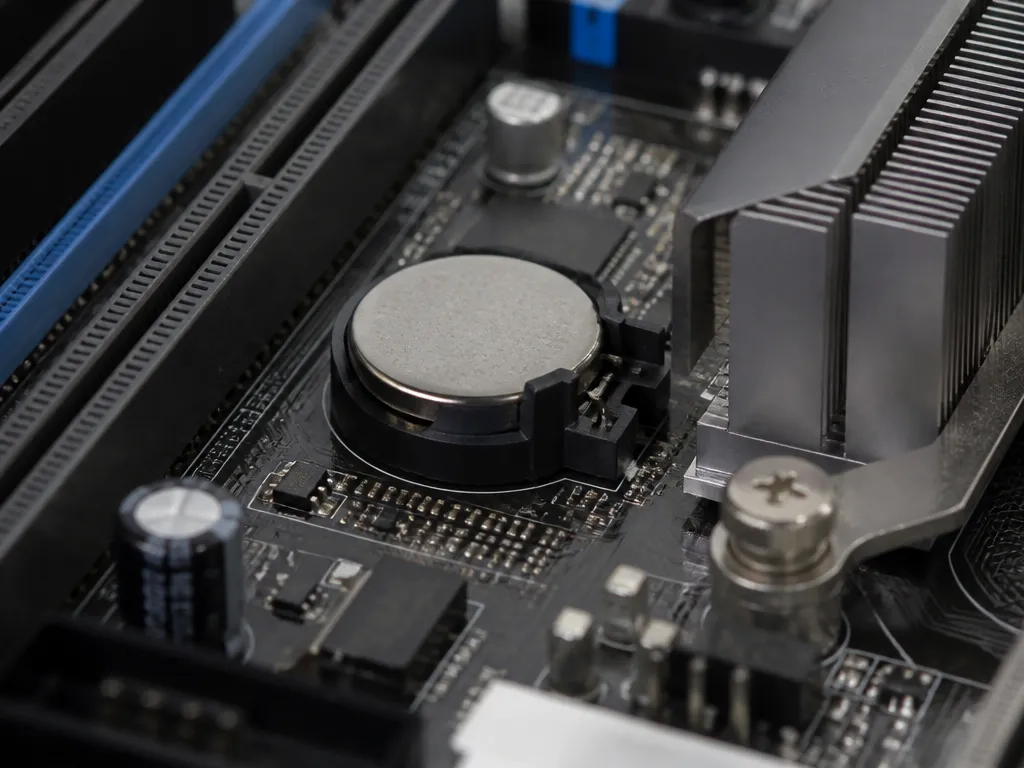
Yes, you can use a CR2025 in place of a CR2032 in your CMOS motherboard with some limitations. The batteries share identical voltage specifications, making them electrically compatible, but differ significantly in capacity and physical dimensions.
The Short Answer: It Works, But With Caveats
The CR2025 will power your CMOS settings and maintain your BIOS configuration, but it won’t last as long as the original CR2032. This difference stems from the battery chemistry and size variations between these coin cell types.
While both batteries use lithium chemistry and deliver 3 volts, the CR2032 contains approximately 225mAh of capacity, while the CR2025 offers only about 170mAh. This means you can expect about 24% less runtime from the smaller battery.
| Feature | CR2032 | CR2025 |
|---|---|---|
| Diameter | 20mm | 20mm |
| Thickness | 3.2mm | 2.5mm |
| Capacity | 225mAh | 170mAh |
Physically, the CR2025 is 0.7mm thinner than the CR2032, which might cause poor contact in some battery compartments designed specifically for the thicker CR2032. This can result in intermittent power loss to the CMOS settings.
Why Voltage Is The Only Constant
The critical factor for CMOS battery compatibility is voltage, not capacity or physical size. Both batteries provide the exact 3 volts required to maintain CMOS settings, which is why the CR2025 can functionally replace the CR2032 in most applications.
CMOS circuits draw very little current, typically in the microamp range, meaning even the smaller CR2025 has enough capacity to maintain settings for months or even years, depending on usage patterns and motherboard design.
The main limitation isn’t electrical compatibility but rather physical fit and longevity. If your motherboard battery compartment has flexible contacts or allows for some tolerance in battery thickness, the CR2025 will work adequately as a temporary replacement.
Comparing Cr2025 And Cr2032 Specifications
CR2032 batteries are approximately 28% thicker than CR2025 batteries, with capacities of 225mAh compared to 170mAh for CR2025 models. Both batteries share the same 20mm diameter and 3V nominal voltage, but the thickness difference significantly impacts their suitability for CMOS motherboard applications.
| Specification | CR2032 | CR2025 |
|---|---|---|
| Diameter | 20mm | 20mm |
| Thickness | 3.2mm | 2.5mm |
| Capacity (mAh) | 225mAh | 170mAh |
| Weight | 3.0g | 2.2g |
| Voltage | 3V nominal | 3V nominal |
Understanding The Numerical Naming Convention
The CR2032 and CR2025 naming conventions follow a standard format where “CR” indicates the battery chemistry (lithium manganese dioxide), while the numbers represent dimensions in millimeters. The first two digits (20) denote the 20mm diameter shared by both batteries, while the last two digits (32 for CR2032 and 25 for CR2025) specify the thickness in tenths of a millimeter.
Capacity And Runtime Implications
The CR2032’s additional thickness provides higher capacity than the CR2025, translating to longer runtime in CMOS motherboard applications. While the CR2025 may physically fit in some CR2032 slots, its reduced capacity means more frequent battery replacements.
Physical Fit And Contact Issues
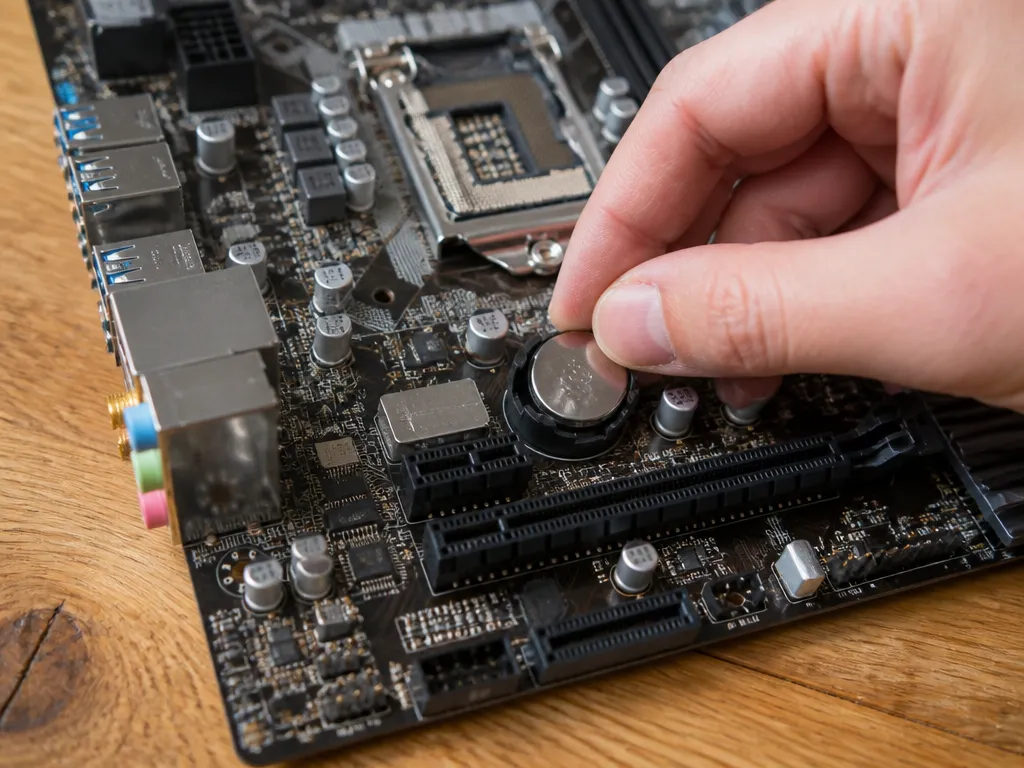
The 0.7mm difference in thickness between a CR2025 and a CR2032 is the primary mechanical hurdle when swapping these cells. Because the CR2025 is thinner, it may not exert enough pressure against the top contact tab of the motherboard battery holder to maintain a consistent connection.
Motherboard battery clips generally rely on a spring-loaded tension arm to keep the cell firmly seated against the bottom contact. If this arm is designed specifically for the thicker CR2032 profile, the thinner alternative might sit loosely, leading to intermittent power or total failure to maintain BIOS settings.
Evaluating Connection Security
Checking for a solid electrical connection requires careful observation of the retaining clip after installation. A secure fit should feel rigid, with no movement when the motherboard is gently tilted or the case is moved.
Warning: Never attempt to bend or adjust the metal retaining clip while the battery is inside the socket. Always remove the cell first to prevent an accidental short circuit, which can damage the motherboard or cause the battery to overheat.
If the battery does not fit snugly on its own, it is safer to source the correct CR2032 rather than forcing a thinner alternative to work through makeshift modifications.
Capacity Differences And Battery Life
The CR2025 battery contains approximately 170 mAh of capacity, while the CR2032 offers about 225 mAh, meaning the thinner CR2025 holds about 24% less charge and will deplete faster when powering CMOS memory.
CMOS batteries maintain motherboard settings like BIOS configuration, date, and time when the computer is powered off. The reduced capacity of a CR2025 translates directly to shorter operational life between replacements, often requiring more frequent battery changes.
Why Cr2025 Will Expire Sooner
The physical difference in battery thickness directly correlates with capacity. The CR2032’s additional 0.7mm height accommodates more active material, which stores more energy for the same chemical composition and voltage output.
Estimating Expected Runtime
Using the typical capacity values and CMOS current draw, we can estimate battery life. A CR2032 might last 2-5 years depending on motherboard design, while a CR2025 would last approximately 1.5-3 years.
For example, a motherboard drawing 60µA from a 225mAh CR2032 would theoretically last about 3,750 hours or roughly 156 days. The same draw from a 170mAh CR2025 would last about 2,833 hours or approximately 118 days.
Safety And Proper Installation
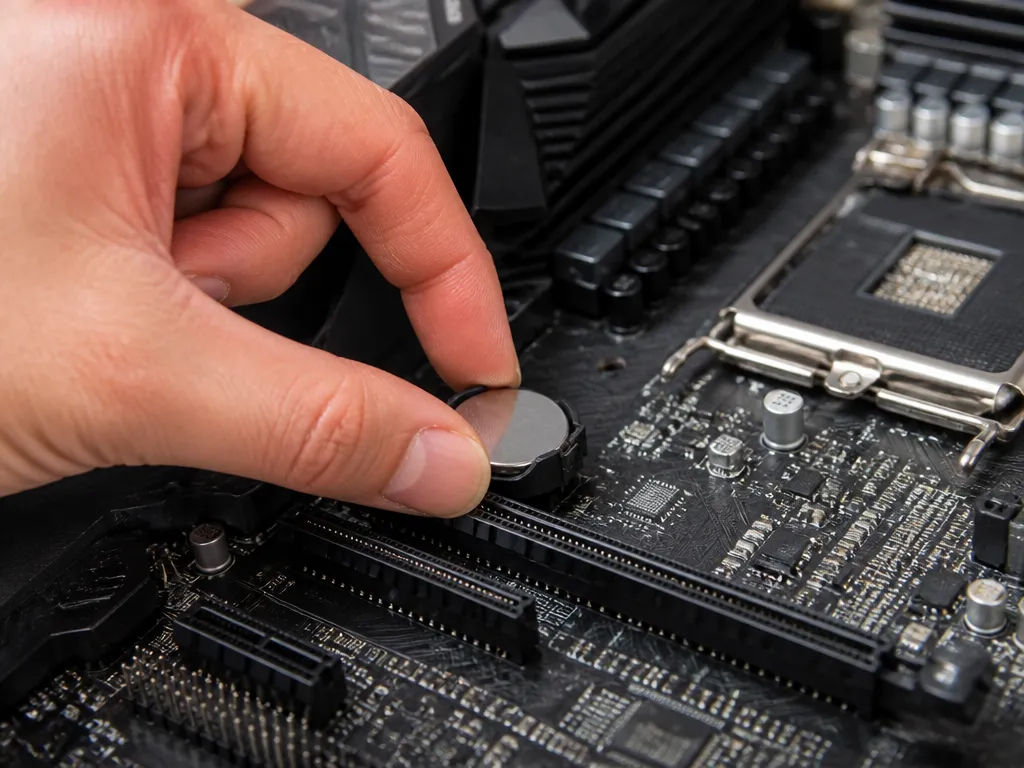
Lithium coin cells require careful handling to prevent short circuits that can drain energy or cause physical damage. Touching both the top and bottom surfaces of a battery simultaneously with metal tweezers creates a conductive path, which may lead to rapid discharge and potential overheating.
Proper installation relies on ensuring the spring contact mechanism on the motherboard maintains constant, firm pressure against the cell. Because the CR2025 is thinner than the standard CR2032, you must verify that the battery holder clip is tight enough to bridge the physical gap.
Handling And Contact Best Practices
Warning: Never attempt to bend or modify the metal spring clip on a motherboard to accommodate a thinner battery. If the clip does not provide enough tension to hold the cell securely, the connection will be intermittent, leading to unpredictable BIOS errors or system time drift.
| Observation | Action Required |
|---|---|
| Battery feels loose in socket | Verify clip tension or use correct size |
| Surface has visible oil or dust | Wipe with a clean, lint-free cloth |
| Metal clip looks corroded | Gently clean with a pencil eraser |
When To Avoid Using A Cr2025
Physical dimensions prevent the use of a CR2025 in many CMOS battery holders designed specifically for the thicker CR2032. The 2.5mm thickness of the thinner cell often results in a lack of tension against the contact springs, which can lead to intermittent power loss or a complete failure to maintain BIOS settings.
Poor electrical contact is a primary reason to reject this substitution. If the battery does not sit snugly within the socket, the motherboard may experience unexpected shutdowns or BIOS resets.
Quick Summary
A CR2025 battery is electrically compatible with a CR2032 socket because both cells provide 3 volts of power and share a 20mm diameter. However, the CR2025 is 0.7mm thinner than the standard battery, which can lead to poor contact in some motherboard compartments. Because the CR2025 has lower capacity and higher internal resistance, you should treat it as a temporary stopgap and replace it with a proper CR2032 as soon as possible.
| Specification | CR2032 | CR2025 |
|---|---|---|
| Voltage | 3V | 3V |
| Diameter | 20mm | 20mm |
| Thickness | 3.2mm | 2.5mm |
| Capacity | 225mAh | 170mAh |
Frequently Asked Questions
Can I Safely Substitute A Cr2025 Battery For A Cr2032 In My Motherboard?
Yes, you can physically use a CR2025 in a CR2032 slot because both batteries have the same 3V voltage and 20mm diameter. However, the CR2025 is thinner and has a lower capacity, meaning it will likely need to be replaced much sooner than the standard CR2032.
Will Using A Thinner Battery Cause Connection Issues In The Cmos Slot?
Sometimes, the thinner CR2025 may not make reliable contact with the spring-loaded terminal in a slot designed for the thicker CR2032. If your computer loses its BIOS settings or system time after a power cycle, the contact pressure is likely insufficient and you should switch back to the correct CR2032 size.
How Much Shorter Will The Battery Life Be If I Use A Cr2025?
A standard CR2032 typically offers 225mAh of capacity, while a CR2025 provides 170mAh. This means you can expect roughly 24 percent less runtime.
Is There Any Risk Of Electrical Damage If I Use The Wrong Coin Cell Size?
There is no risk of electrical damage to your motherboard because both batteries provide the same 3V nominal output. The main risk is simply premature failure of the CMOS memory, which leads to issues like incorrect system time or reset BIOS settings.
When Should I Replace A Cmos Coin Cell Battery?
You should replace the battery when your computer repeatedly displays a CMOS Checksum Error or fails to keep the correct date and time when unplugged from the wall.

- 10 Lithium Battery For Luminous Inverter 2026 - September 28, 2026
- 10 Lithium Battery For Lawn Mower 2026 - September 28, 2026
- 10 Best Lithium Battery For Livescope Ice Bundle 2026 - September 28, 2026