How Long Do Ring Camera Batteries Last?
Ring battery cameras feel “all or nothing” until you watch the battery drop fast. The spec that matters most is how many motion events trigger recordings and lighting, not clock time. If yours drains sooner than expected, the first setting to check is Motion Alerts and the sensitivity/zone coverage in the Ring app. This article breaks down real-world battery life expectations, what settings change runtime, and how to troubleshoot abnormal drain.
Ring camera batteries usually last weeks to months, depending on event volume. Frequent motion recordings, longer event clips, and heavy spotlight or LED use shorten runtime fast. Live View pulls power even without motion, and weak Wi‑Fi or poor signal can increase battery drain. Temperature extremes can also reduce life, especially in cold weather.
How Long Do Ring Camera Batteries Last?
Recommended Products


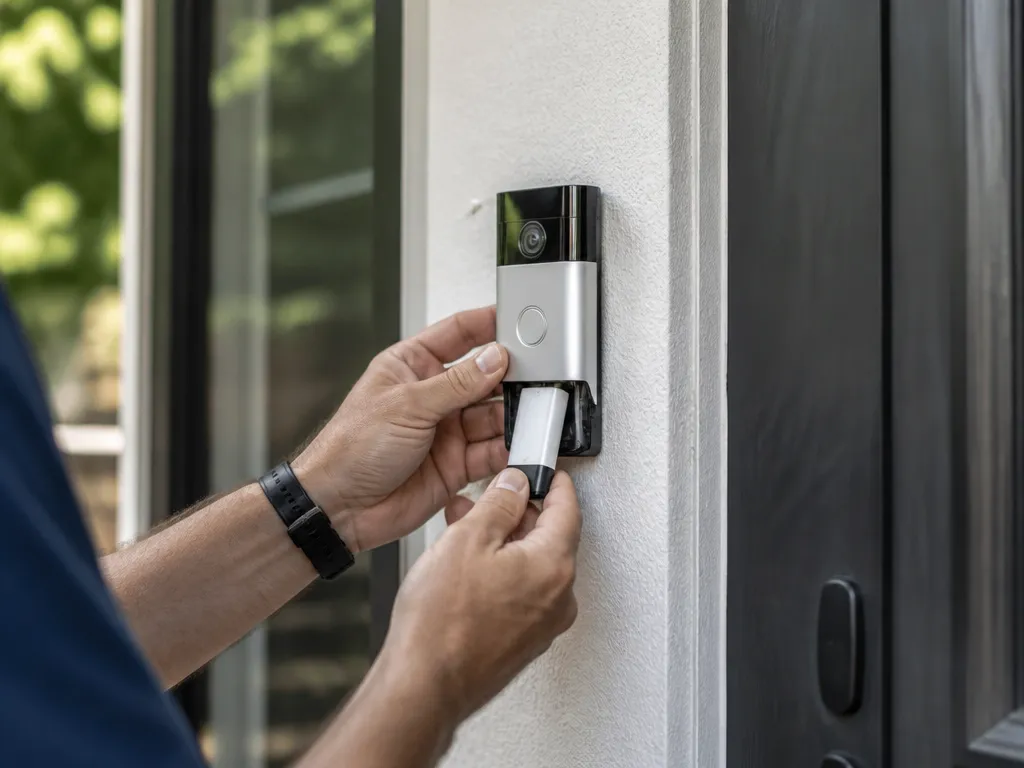
Ring battery-powered cameras typically run for weeks to months between charges, depending on how often they wake and record events. “Battery life” on Ring is based on event-driven activity, so two homes with the same camera can see very different runtimes.
Ring devices do not drain like a continuous video recorder. Motion detection, live view sessions, and alert frequency trigger wake cycles, and each wake cycle costs power for sensing, processing, wireless transmission, and event upload.
Typical Expectations You Can Actually Plan For
Many setups land somewhere in the “weeks to a few months” range, with the lower end coming from frequent motion or long event recordings. Softer conditions, such as fewer alerts and shorter clips, usually stretch the interval toward the upper end of that range.
Doorbells and cameras with lights (for example, spotlight or IR/LED behavior) can reduce runtime because lighting and additional detection steps add extra load during events. Cold weather can also shorten runtime because battery chemistry delivers less power when temperatures drop.
What Changes Battery Drain The Most
Battery drain tracks activity more than time on the wall clock. The biggest drivers are motion frequency, how much of the area is included in motion zones, event length, and how often the camera streams live view.
Wi-Fi link quality matters too. Weak or unstable signal can increase retransmissions and keep the device awake longer to get events through, so a camera that struggles to connect often drains faster.
Ring’s app provides useful clues for predicting your next charge. Battery percentage shows remaining charge, and usage patterns (event counts and alert volume) help you estimate whether your drain rate is trending higher or stable.
Practical note: If battery suddenly drops much faster than its recent trend, suspect an activity or connectivity change first, such as a new pet pattern, nearby construction vibrations, a router moved farther away, or a settings update.
Battery health safety: Stop using and arrange replacement if the battery pack ever appears swollen, cracked, unusually hot, or smells unusual. Damaged or overheating batteries can be a fire risk.
Battery Types And What To Verify
Recommended Products


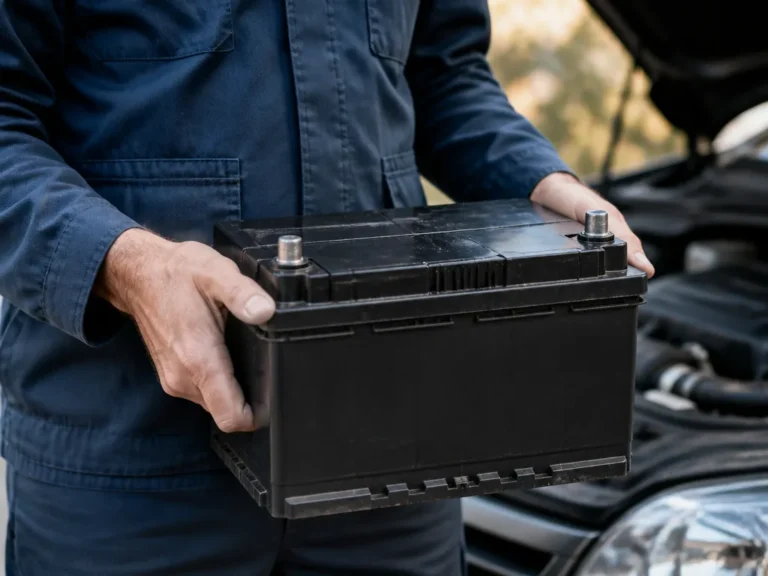
Ring battery runtime is driven by the exact battery pack type and how often the camera wakes for events, not by one universal “battery lasts X days” number. Battery packs on Ring doorbells/cameras can be replaceable and may use different charging hardware, so the safest way to plan runtime is to verify the pack specs in your device and the battery/charging labels.
Match The Battery Pack To Your Exact Ring Model
Before buying anything, confirm the battery pack part name or model printed on the pack, then confirm your camera model in the Ring app (Device Settings). Different Ring models can use different capacity batteries and different charger requirements, so a charger that powers one Ring device may undercharge another.
Use Capacity And Chemistry To Predict “Event-based” Drain
Ring power use is mostly event-driven, the camera goes into a low-power state between motion detections. Capacity is typically given in Wh (watt-hours) or mAh (milliamp-hours) at a given voltage; higher capacity generally means longer time before the next recharge, but frequent motion and long recordings can erase that advantage.
Real-world discharge changes with temperature and network conditions because the device spends more time awake when signal quality is poor. Cold weather can reduce available capacity temporarily, which makes runtimes look shorter even when the battery is healthy.
| What you check | Where to find it | What it implies for runtime |
|---|---|---|
| Capacity (mAh or Wh) | Battery label or pack documentation | Higher capacity usually extends time between charges |
| Chemistry (often Li-ion) | Battery label, pack manual, or product spec | Most Li-ion packs age with cycles and heat exposure |
| Voltage rating | Battery label | Voltage mismatch can mean charging failure or safety risk |
| Charge method | Charger/battery instructions | Wrong charging voltage or current can shorten battery life |
Confirm Charging Specs Before Buying A Charger Or Power Accessory
Charging problems often look like “battery drains faster,” because a weak charger can leave the pack partially charged or cause slower charge cycles. For any replacement battery or charger, verify the charging input specs (voltage and connector type) match the battery pack requirements in the instructions.
Safety warning: If a battery pack is swollen, hot to the touch, smells unusual, or shows visible damage, stop using it and follow the replacement guidance in your Ring documentation. Never charge a damaged or wet battery.
Quick verification checklist (buy-time): Battery pack model number matches your device, charger input voltage/current matches the pack instructions, and the replacement is specifically listed for your Ring model.
Settings That Change Battery Drain
Recommended Products


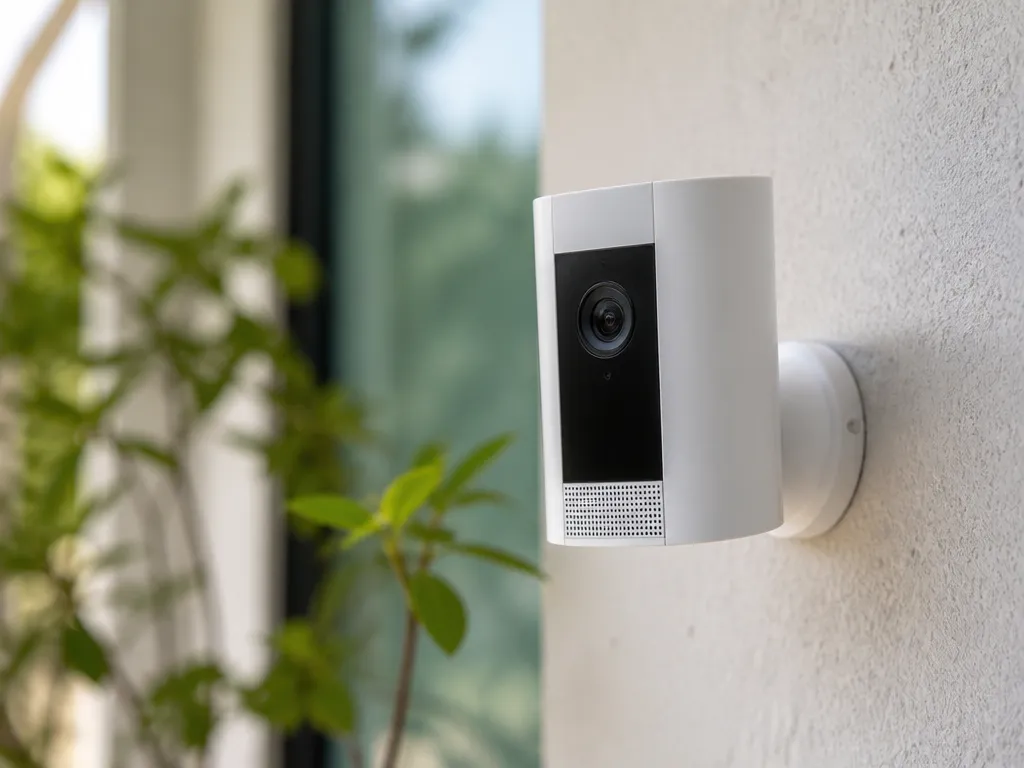
Ring battery-powered cameras drain power based on how often the unit wakes, detects motion, records, and uploads video. Motion-heavy days can cut runtime faster than a “more features” setting that is rarely used.
In practice, battery life is driven more by event volume and live connectivity than by continuous operation.
Motion events are the biggest lever. High sensitivity, large motion zones, and more frequent pass-bys force the camera to wake more often, run the video encode longer, and upload more clips.
Live View is a hidden drain because it keeps the camera and its streaming stack active. Frequent checking, especially over a weak Wi-Fi link, adds extra retransmits that cost battery.
Active lighting like a spotlight or LED also changes the power budget quickly. Lights can dominate drain during nights with lots of detected movement.
Temperature has a real effect on lithium performance. Cold weather reduces available voltage and increases internal resistance, so the camera can reach low-battery conditions sooner even if the battery pack is “healthy.”
Cold-weather rule of thumb: expect shorter runtime in freezing conditions, then partial recovery as temperatures rise.
| Setting or condition | Battery impact mechanism | What to adjust for better runtime |
|---|---|---|
| Motion sensitivity / motion zones | More wakes and more event recordings/uploads | Reduce zone size, lower sensitivity, exclude busy background areas |
| Recording length / video quality | Longer encode time and more data transfer | Shorten clip duration and choose the lowest quality you can tolerate |
| Live View frequency | Continuous streaming time and radio activity | Use Live View only when needed |
| Spotlight/LED | Extra power draw during activations | Lower activation frequency or use it only for critical viewing |
| Wi-Fi quality | Retries and longer reconnection windows | Improve router placement, reduce interference, move closer to stable Wi-Fi |
| Temperature and weather | Cold reduces usable capacity and can increase voltage sag | Keep the device in normal operating temps when possible |
For Ring app predictions, check the battery and usage breakdown, not just the percentage. Battery percentage is a snapshot, while the usage stats tell you whether drain is coming from motion events, recordings, or connectivity.
For fast troubleshooting when runtime drops suddenly, treat settings and Wi-Fi as first suspects. A new nearby light, moving foliage, a weaker Wi-Fi link, or a broader motion zone can multiply event count quickly.
Scenario Runtime Examples
Recommended Products

In practice, battery life often lands in “weeks to several months,” with the wide spread coming from how many detections you get and how long each clip runs. Treat any single number as a rough starting point, then calibrate it using your own event volume in the Ring app.
For a quiet street with limited alerts (few visitors, minimal passing traffic), battery life often stretches to the high end of the range, commonly measured in many months if live view is rare. For an average neighborhood with normal foot and vehicle activity, battery life often lands around the mid-range, frequently on the order of several months. For a busy street with frequent triggers, repeated detections in motion zones, and long recording clips, battery life can drop to weeks.
Low, Average, And High Motion Examples
Low motion is usually a setup where motion zones cover less area, sensitivity is conservative, and the camera has a steady Wi-Fi connection. Average motion usually means motion zones include sidewalks or driveways and you record common daily activity. High motion often comes from broad zones (street-facing, wide angles), high sensitivity, and frequent motion events that wake the camera and increase upload time.
In practice, the most misleading comparison is “same battery, same camera, different street.” Event counts and clip duration swing power use far more than minor setting changes, so use your own Ring event history to estimate your future drain.
| Scenario | Typical behavior | Battery runtime expectation |
|---|---|---|
| Quiet street | Few alerts, tighter motion zones, short clips | Higher end (often many months) |
| Normal neighborhood | Regular detections, moderate zones, typical clip length | Mid range (often several months) |
| Busy street | Frequent detections, broader zones, long clips, windy foliage | Lower end (often weeks) |
Battery life is not continuous recording time. Ring-style battery drain is driven by wake cycles (motion detection) and the work of sending video, plus extra power for lights and any repeated Live View sessions.
What changes when you use Live View often is simple: live streaming keeps the camera and radios active far longer than a short motion event. Frequent Live View during the day, or leaving Live View open while troubleshooting, can pull runtime down toward the “high motion” side even if your motion alerts are low.
Cold weather can also reduce runtime because batteries deliver less usable power at low temperatures and the camera may work longer to maintain connections. Hot sun can do the opposite stress too, raising internal temperature and making power management more aggressive, so treat summer and winter as separate “seasons” for estimating battery life.
Check Battery Health In The App
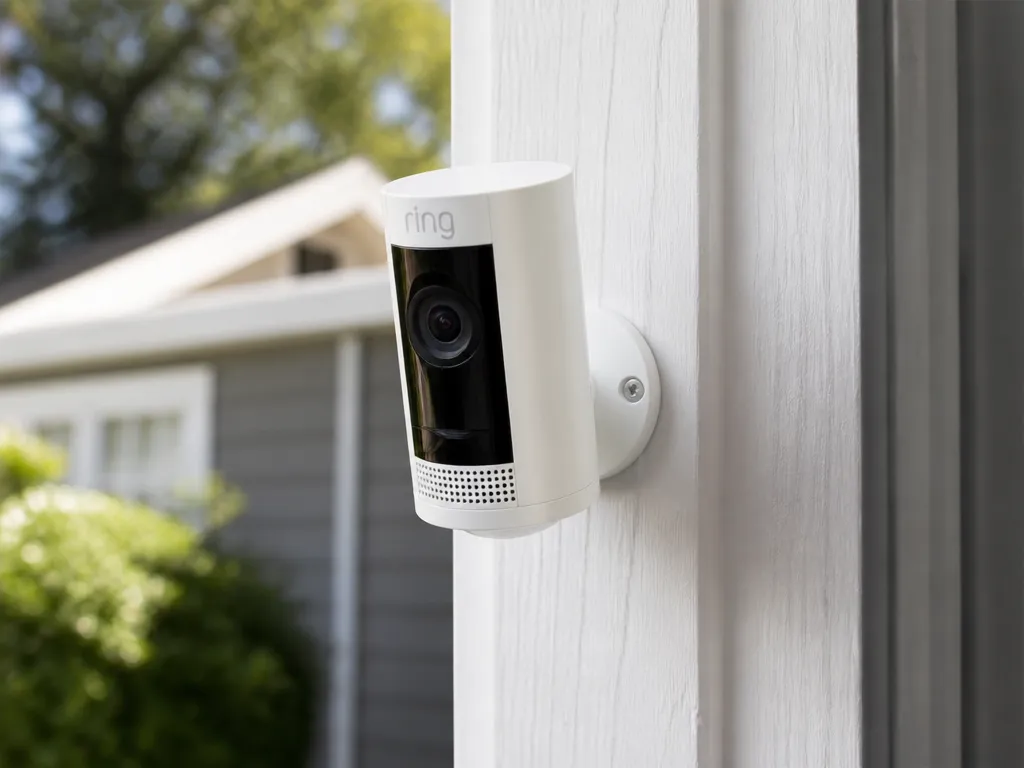
The Ring app can show whether your battery drain matches your actual motion activity and whether connectivity problems are adding extra wake and retry cycles.
Use Battery Percentage Trends As Your First Forecast
In the Ring app, open your camera device page and find the battery status indicator and recent percentage history (some accounts show a simple trend line, others show changes over recent days). Track whether the battery drops steadily or in sudden steps, because step drops often line up with spikes in events or poor signal causing repeated connection attempts.
For a practical baseline, note the date when you fully charged (or swapped) the battery pack, then compare the current percentage to that starting point. If your drain rate looks dramatically faster than your normal usage, you are likely seeing either a settings change (more detections, longer recordings) or a network issue (weaker Wi-Fi, unstable power-saving mode).
Review Event Activity And Motion Frequency
Ring app event history can explain “how long” in terms you can act on, because more motion events mean more wake time, more video capture, and more radio use. Check the Motion or Events list and compare typical event counts per day to your current battery trend.
Pay attention to how much time the camera spends creating clips. Longer recording lengths, more motion zones, higher sensitivity, and frequent spotlight or doorbell LED usage all increase wake frequency, so the battery drops faster even if the camera is “working normally”.
Correlate Drain Spikes With Connectivity Issues
Connectivity problems often look like battery “mystery drain” because the camera wakes to check, fails to connect, and retries. In the Ring app, look for connection or device status messages (for example, “poor connection” indicators) around the same dates your battery percentage fell fastest.
Signal changes also matter: a camera that used to sit at a strong Wi-Fi level may drift into a weaker spot due to router placement, interference, or household network changes. If your event alerts increase during the same time as connectivity warnings, you are seeing extra radio retries that raise power use.
Spot Patterns After Firmware Or Settings Changes
Firmware updates and setting tweaks can change wake timing, recording behavior, or how motion alerts are generated. The most common “abnormal pattern” is a new, faster drain starting right after an update, new schedules, or a larger motion zone expansion.
Before you chase hardware, list what changed and when: motion zones resized, sensitivity adjusted, motion frequency altered via schedules, camera location moved, or network equipment replaced. When the drain pattern is time-locked to one of those changes, you can usually recover battery life by rolling back the setting most likely to increase events or radio activity.
Safety note: If you see swelling, cracking, unusual heat, or the battery status behaving erratically (rapid drops with no event increase), stop using the battery and move to the next step in your safety and replacement workflow.
Fix Fast Drain Causes
The fastest path to a fix is to reduce false motion alerts first, then improve signal, then stop unnecessary power draws while you troubleshoot.
For example, a camera pointed at a busy street or moving trees can create dozens of detections per hour even when nothing important is happening. The battery runtime you get in real life can vary wildly depending on event count, so treat settings like a power budget.
Reduce False Alerts Inside The Ring App
Adjust motion zones and sensitivity before changing anything else. Start by shrinking zones to the areas where people actually walk or where packages pass, then lower sensitivity until short, harmless movements stop triggering events.
Next, tighten recording rules so you record only when it matters. Use “motion recording” settings to avoid long clips for minor motion, and pause or disable recording for times when you do not need monitoring, then watch battery usage after the change.
Improve Wi-fi Reliability
Weak signal increases battery drain more than many people expect because the camera keeps retrying connections. Place your Wi-Fi router or mesh node so the camera has a clear path, and avoid mounting behind thick stucco, metal siding, or dense vegetation.
In practice, router settings also matter. Reduce interference by using a less crowded Wi-Fi channel if you can, ensure the camera is on the correct band your network supports, and reboot the router after any firmware updates or SSID changes.
Cut Power-hungry Actions While You Troubleshoot
Live View is one of the quickest ways to burn through charge because it keeps streaming and increases processing time. Limit Live View during the test window, and avoid repeated manual activations of spotlights or doorbell LEDs unless you need them.
Also review smart alerts you enable for convenience features. If you triggered frequent notifications during a storm or windy period, that spike in event handling often explains the sudden drop more than the battery itself.
Update Settings After Changes And Check Firmware
After you update the app or change camera settings, confirm that options actually applied and did not revert. Ring firmware updates can change motion algorithms and network behavior, so treat those days as a baseline only after you verify alert and recording settings.
When a drain starts right after an update, focus on event rate first, then Wi-Fi stability. If the Wi-Fi link is flaky, the battery impact can look like a “battery problem” even when the pack is healthy.
Environmental And Mounting Checks
Cold weather reduces effective capacity and can make the camera appear to drain faster, especially in locations that get near-freezing temperatures overnight. Heat exposure can also increase stress on battery electronics, so keep the camera out of direct sun blasting when possible and avoid enclosed, heat-trapping mounts.
Mounting position matters too. A camera aimed at reflective glare, fast-moving shadows, or close-range insects can increase event count and wake cycles, which overwhelms any small capacity change from temperature.
Safety check before troubleshooting further: If the battery pack or camera housing looks swollen, feels unusually hot, or shows damaged seals, stop using it and handle replacement through proper service channels. Using a damaged pack with unstable performance can create a fire risk.
Charging Time And Safe Recharges
Ring battery packs’ recharge time depends on the charger output power, the battery state of charge, and how warm the pack is when you plug it in. A full recharge is usually planned in hours, not minutes, and the app’s percentage change is a better guide than guessing from plug-in time. For safety, stop charging when the battery pack feels unusually hot, shows swelling, or looks damaged.
Charger Compatibility Checks (Voltage, Current, Wattage)
Recharge performance and safety both rely on using the correct charger and cable. Ring battery packs typically expect a specific DC charging setup that is easier to verify by reading the battery pack label and the official charger guidance for your exact model.
Match the charger’s output specs to the battery pack requirements, not the “fast charge” marketing on the adapter.
What “Too Hot” Means During Charging
Safe charging means the battery pack should feel only mildly warm to the touch. If the pack is hot enough to be uncomfortable to hold, or the casing gets noticeably hotter than the surrounding area, pause charging and let it cool before trying again.
Safety stop: If you see discoloration, smell a chemical odor, or notice swelling or cracked seals, stop charging immediately. Do not use the pack again, and keep it away from flammable materials while you decide on replacement.
Plan Downtime: Swap Spare Vs Wait To Recharge
For cameras that spend a lot of time recording alerts, recharge time can create coverage gaps if you rely on a single battery pack. The most practical approach is to keep a compatible spare pack charged so you can swap quickly and avoid running the active pack down to zero.
Use a predictable routine based on the percentage and event volume you see in the Ring app. Batteries drain faster when you trigger more events, when Wi-Fi signal quality is poor (more retries), and when colder weather reduces chemical activity.
| Charging/health observation | What to do |
|---|---|
| Pack warms slightly during charging | Continue charging normally, monitor for unusual heat. |
| Pack feels hot or gets hotter over time | Unplug, cool to room temperature, then retry with verified charger and cable. |
| Pack casing bulges or looks swollen | Stop charging and stop using; replace. |
| Pack shows cracks, leaks, or damaged contacts | Stop charging and replace. |
Storage And Long-term Battery Care
Store battery packs in a dry location at moderate room temperature, away from direct sun and heaters. Extreme heat during storage and repeated full-to-empty cycles both shorten useful capacity over time.
Recharge planning works better when you do not leave packs discharged for long periods. If a pack will sit unused for weeks, charging it to a mid-state and keeping it cool and dry reduces stress compared with storing it at very low charge.
When To Stop Charging And When To Replace
Stop charging when the pack remains unusually hot after a brief time, when the pack looks or smells abnormal, or when you see swelling or seal damage. After cooling, if the pack still charges poorly, loses percentage quickly, or fails to reach expected charge levels, treat it as worn.
Replace the pack when you see visible deformation, repeated overheating, or a clear pattern of rapid drop in the Ring app after recharging. Avoid experimenting with different third-party chargers to “fix” capacity issues, since a charger mismatch can cause heat and shorten lifespan further.
Replace When Capacity Drops
Ring camera battery packs age by losing usable capacity, and the early warning is usually a fast drop in reported percentage or sudden jumps to a low level. Battery replacement becomes the right move when the pack drains far faster than it did recently and the percentage readings stay inconsistent even after a few reset and setup checks.
Rapid drain and inconsistent percentage reporting usually point to one of two issues: the pack is actually losing capacity, or the battery gauge and wake cycles are reporting less reliably due to setup or connectivity patterns.
In practice, a healthy pack gives smoother, more believable percentage changes week to week, even if runtime still varies with motion alerts and Wi-Fi strength.
For example, a camera that used to stay stable for weeks but now drops noticeably after a short burst of alerts is a red flag, especially if other cameras in the same household do not show the same behavior. Inconsistent percentage reporting during normal days, paired with shorter runtime than the same usage profile months ago, is a stronger replacement signal than low percentage by itself.
How to choose the correct replacement pack comes down to matching the exact camera model’s battery type and connection, then buying from a source that clearly identifies compatibility. Confirm the pack is designed for your specific Ring device, and avoid “universal” batteries that share a connector shape but not the expected battery electronics.
| Observed symptom | Most likely cause | Next step |
|---|---|---|
| Percentage plunges quickly | Capacity loss or gauge inconsistency | Compare to your app trends, then test after resetting and reviewing settings |
| Percentage is erratic | Gauge reporting issues | Charge fully, verify correct seating and Wi-Fi strength, then recheck over several days |
| Runtime is far shorter than before | End-of-life pack | Order the exact compatible replacement part and plan a swap |
Replacement timing is best decided using the pattern: a sustained mismatch between your expected runtime (based on app history) and what you see now, especially when percentage behavior does not improve after reset and settings review. When you confirm capacity decline, replace the pack rather than continuing to “work around it,” because battery performance gets less predictable as the pack approaches full end-of-life.
Quick Summary
To troubleshoot abnormal drain, check Motion Alerts, sensitivity, and zone coverage in the Ring app, since larger zones and higher sensitivity increase wake cycles. Watch both battery percentage and usage patterns, including event counts, and run one controlled change at a time to see if battery percent stabilizes. If a battery pack ever appears swollen, cracked, unusually hot, or smells unusual, stop using it and replace it.
Frequently Asked Questions
How Long Do Ring Camera Batteries Typically Last Before Needing A Recharge?
Battery runtime varies by model and usage. Check your exact Ring model’s battery life guidance in the app or manual, since Ring batteries are rated under specific usage conditions rather than a guaranteed number of days.
What Charger Is Compatible With Ring Camera Batteries, And Can I Use A Usb Power Adapter?
Use the charger that Ring specifies for your battery pack model, because Ring packs can require a particular charging method and connector. If you are using a USB adapter, choose one that matches the battery pack’s required voltage and charging spec shown on the battery label or in the manual.
Why Does My Ring Camera Battery Get Hot While Charging, And Is That Normal?
Some warmth during charging can be normal, but heat that feels excessive, smells, or causes swelling is not. Stop charging and let the pack cool, then contact Ring support if the battery shows damage or abnormal temperature behavior.
When Should I Replace My Ring Camera Battery Instead Of Continuing To Recharge It?
If runtime drops noticeably, charging takes much longer than usual, or the pack shows physical changes, you should plan to replace the battery pack. As a rule of thumb, replace based on performance and condition rather than the date alone, and follow Ring’s replacement guidance for your specific model.
What Common Buying Mistakes Shorten Ring Camera Battery Life Or Cause Compatibility Problems?
The biggest mistakes are buying a battery pack meant for a different Ring model or using an unapproved charger that does not match the required charging spec. Before purchasing, verify the exact battery pack model number (and connector type) and match it to your camera model listed in the Ring app or product documentation.

- 10 Best Battery For Generator Battery Safety System 2026 - October 12, 2026
- 10 Best Battery For Generator Battery Safety Option 2026 - October 12, 2026
- 10 Best Battery For Generator Battery Safety 2026 - October 12, 2026