How Long Does A Ring Camera Battery Last?
Ring battery runtime comes down to one spec more than people expect: how often the camera triggers and records. If you are seeing “battery low” early, the first label to check is Motion Frequency (or the motion event settings) in the Ring app. This article explains typical battery-life ranges by Ring model and the settings that swing real-world runtime by months, plus how to estimate your own and troubleshoot short battery life safely.
Ring camera battery life usually lasts a few months to about a year, depending on motion events, Wi‑Fi stability, temperature, and recording settings. Light use (a handful of motion events per day) often stretches toward the longer end, while frequent motion, strong live view use, or cold weather can push runtime toward the shorter end.
How Long Does A Ring Camera Battery Last?
Recommended Products



Ring camera battery life is typically measured in months, but real-world results swing a lot with settings and activity levels. Many Ring battery-powered models commonly land in a range of roughly 6 to 12 months, with heavier usage often pushing it shorter and light usage sometimes extending it.
Battery runtime is not a single fixed number because events drain power in spikes, then the camera sleeps between triggers. Motion detection, video quality, and how often the camera wakes up usually dominate the outcome more than the exact battery brand inside the device.
Typical Month Ranges By Ring Model
Typical month ranges vary by camera type, power draw, and how that model handles night vision and recording. For practical planning, expect the biggest difference between doorbell models and stick-up/cam-style models, and even within a product line, settings like motion sensitivity and event frequency can move the timeline by multiple months.
For example, a camera that records short clips only when important motion occurs can last much longer than a camera that sees frequent triggers from traffic, pets, insects, or wind-blown plants. Weather also matters: cold temperatures can reduce available capacity and increase apparent battery drain, then power use can rebound in milder conditions.
To find the exact battery expectations for your device, locate the model number on the camera, packaging, or in the Ring app device settings. Then match it to the battery type named in the device details (for instance, “Ring Video Doorbell Battery” vs “Ring Stick Up Cam Battery”), and follow the battery and device support pages for that specific model.
What Changes Battery Life The Most
Event frequency is usually the biggest lever: more motion alerts mean more recording, more wireless transmissions, and more time with the screen-lighting parts active. Wi-Fi signal strength also affects drain, weak signal forces the camera to retry more often, which raises power use even if motion seems identical.
For example, night vision use, spotlight use, and any “always-on” or longer clip settings increase active time. Cold weather, high winds, heavy rain exposure, and mounting placement that directs the lens toward moving heat sources (trees, roads, HVAC vents) can all increase event count and recording duty cycle.
If battery life feels unexpectedly short, treat it as a troubleshooting clue. Swollen, hot, or physically damaged batteries are a stop-using situation, and a damaged charging cable or water intrusion can cause both fast drain and safety risk.
Battery Life Ranges By Model
Recommended Products


Ring battery powered cameras usually run for months, not weeks, but the exact number depends on how often the camera records and how long it stays awake each day. Model names like Ring Video Doorbell Battery, Ring Stick Up Cam Battery, and Ring Spotlight Cam Battery all have different power draw patterns, so you need the specific battery pack type to estimate runtime. Confirm your exact model and battery pack before you buy a replacement or plan a charging schedule.
Typical Month Ranges By Battery Model
Because manufacturer specs are often listed as test conditions rather than your home setup, treat the ranges below as practical planning windows. Expect the “low end” if your camera sees lots of motion, has weaker Wi-Fi, and runs heavier features (events, night recording intensity, or frequent live view). Expect the “high end” if you get fewer motion events and keep video settings conservative.
| Ring battery powered camera | Typical planning range (months) | When you land closer to the low end |
|---|---|---|
| Ring Video Doorbell Battery | 4 to 12 months | Frequent door traffic, longer motion detection clips, frequent alerts, cold weather |
| Ring Stick Up Cam Battery | 6 to 12 months | Near-constant motion in frame, strong night activity, frequent live view |
| Ring Spotlight Cam Battery | 3 to 9 months | Many night alerts where the spotlight activates often, high event volume |
Model matters most for day-night behavior and accessory load. Spotlight activation typically adds power spikes, while doorbells can wake more often if you have frequent arrivals. Stick Up Cam Battery can last longer in a “low motion” setup because it may spend more time idle.
Solar Vs Battery On Stick Up Cam And Spotlight Cam
When you add solar to a compatible Stick Up Cam or Spotlight Cam, the camera can run far longer between manual charges, because the panel offsets daily energy use. Solar does not make the battery infinite, and winter, heavy shade, and short daylight periods still reduce recharge.
In practice, you often see “months” for battery-only use, then “longer stretches” with solar depending on sunlight hitting the panel.
Solar setup rule of thumb: battery drain becomes “event-driven,” but recharge becomes “weather-driven,” so expect a bigger swing across seasons than you see with battery-only.
Solar also changes behavior you might not notice. If your alerts are unchanged, a well-positioned panel can keep the battery topped up, but a poorly placed panel can still leave you charging on a similar schedule to battery-only.
How To Confirm Your Exact Battery Pack Model
Battery life planning is only as good as the compatibility match. Use the label on your battery pack and the camera model in the Ring app, then confirm the pack type and voltage range listed for that exact model.
When you are choosing between replacement packs or planning charging logistics, treat runtime estimates as “typical planning ranges” until you track your own usage for at least one full charge cycle. If your battery consistently drops faster than the low end of the range in the same season, investigate event settings and Wi-Fi placement before assuming the battery is defective.
Big Factors That Cut Runtime
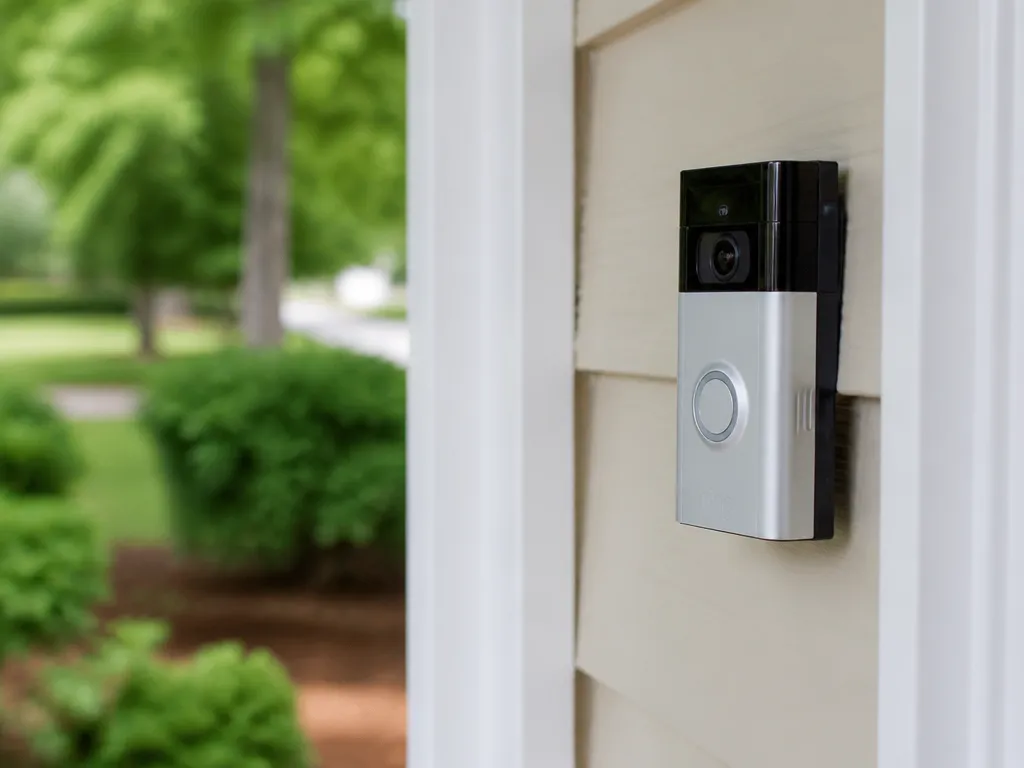
Ring camera battery life drops most when the camera records or streams more, and when it has to work harder due to motion, weak Wi-Fi, or cold weather. Motion detection patterns, clip length, night features, and accessory loads like a spotlight all change how many watt-hours you spend per day.
| Runtime factor | What makes it worse | What to check |
|---|---|---|
| Motion frequency | Lots of triggers per hour or constant “person” detections | Events/day, motion zone layout, motion sensitivity |
| Clip length | Longer recordings after each event | Recording duration and event buffering time |
| Night vision use | More nights and longer IR/low-light capture time | Night vision mode behavior |
| Live View streaming | Frequent “check-ins” that keep the radio active | How often you open Live View and keep it running |
| Spotlight/chime/accessories | Spotlight bursts, chime power use, and extra accessory activity | Spotlight schedules and event lighting settings |
| Wi-Fi signal quality | Weak or unstable signal forces repeated retransmits | Wi-Fi strength in the app, router placement, dead zones |
| Temperature extremes | Cold slows the battery and increases internal losses | Outdoor exposure, shade, wind, and winter runtime |
| Frequent restarts and background activity | Reboots, heavy background checks, or updates running often | Restart frequency, event gaps, update schedules |
| Aiming mistakes | Camera points at moving foliage, flags, or roads with headlights | Motion zones and camera angle |
Estimate Your Months-to-next-charge
Ring camera runtime is mostly a function of how often motion triggers upload or record, plus how much the camera uses night vision, spotlight, and Live View. A simple estimate gets you close enough to plan your next charge, then you refine it after 1 to 2 weeks of real data.
Power-saving Settings To Try
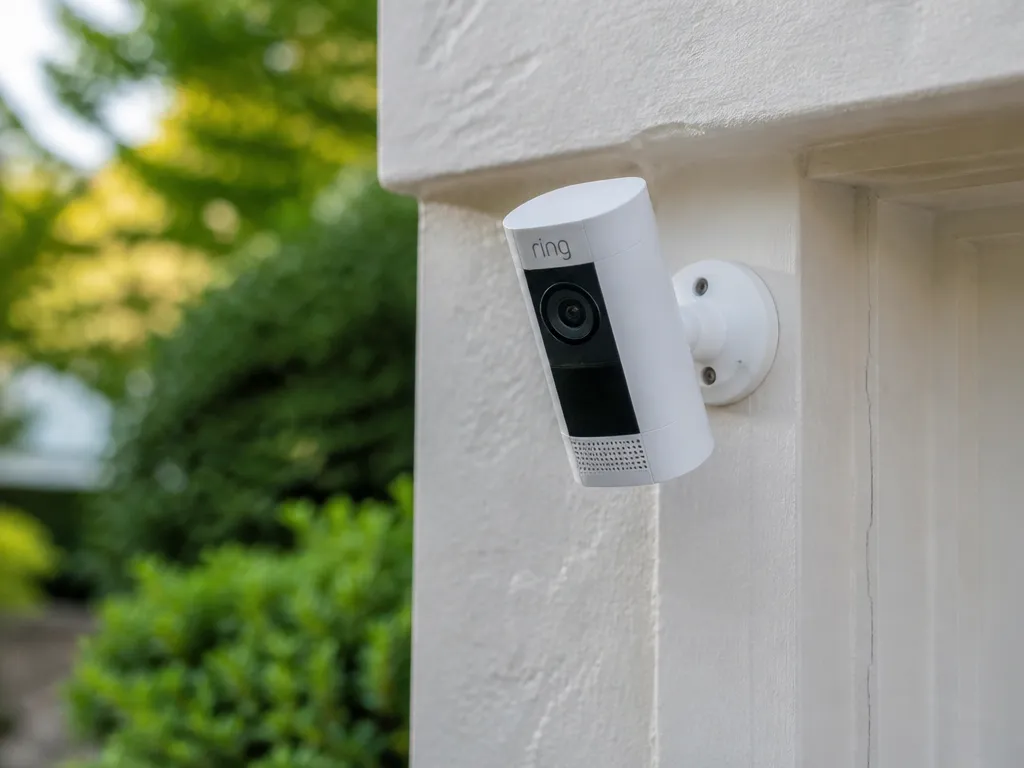
Motion recording settings drive battery life far more than any single “battery capacity” number. A few targeted changes can cut event recording time and reduce radio wakeups, while still keeping the areas you care about covered.
Start with motion zone trimming. Smaller zones mean fewer false triggers from passing headlights, moving tree branches, busy streets, or pets walking near the edge of the frame.
Lower motion sensitivity one step at a time. Dropping sensitivity too far reduces detection, so aim for the lowest level that still catches people you want to record.
Reduce recording frequency or capture window length where your Ring camera settings provide it. Longer recording windows and frequent motion events keep the device’s processor, Wi-Fi, and video pipeline active longer, draining the battery.
Shorten your Live View habits. Live View pulls a continuous stream instead of short event clips, so frequent checks can erase weeks of savings quickly.
Adjust spotlight and lighting schedules to motion-only. Constant or overlong lighting raises power draw because the LEDs run longer and can cause more motion triggers from glare.
Optimize connectivity for stability. Weak Wi-Fi increases retransmissions and forces the camera to work harder to keep streams and uploads reliable, which can increase battery drain.
Set notification habits that reduce unnecessary checks. Push alerts are lightweight compared to Live View, but too many alerts from a noisy area leads to more manual “spot-checking,” which drains the battery indirectly.
| Setting to change | Battery impact | Trade-off to watch |
|---|---|---|
| Smaller motion zones | Fewer events, fewer video uploads | People near edges may be missed |
| Lower sensitivity | Fewer false triggers | Detection can become too strict |
| Shorter capture windows (if available) | Less time recording per event | Moments at the start or end may be missed |
| Limit Live View | Continuous streaming uses more power | Delayed viewing during an incident |
| Spotlight motion-only schedule | Less LED runtime | Less visibility if motion is slow to trigger |
| Improve Wi-Fi signal stability | Fewer reconnects and retries | Requires router/extender placement tweaks |
Quick rule: If you reduce alerts but still check Live View repeatedly, battery life may not improve much. Aim to reduce both the number of events and the number of times you stream.
Charging Habits And Charger Fit
Charging choices can change both runtime and how long the battery stays near its best capacity. A “fit” charger (correct connector type and supported charging profile) also reduces heat and helps the battery management system stay in control. For Ring devices, rely on the charging method and accessories that match your specific model, since charge specs can vary.
Use The Right Charger And Confirm The Electrical Match
Battery health improves when the charger matches the device’s expected input range and the connector is fully seated. Using a random USB adapter that happens to power electronics can cause unstable behavior, extra heat, or slower charging because the device ends up throttling to protect itself.
For example, a USB power bank can work, but only if it delivers the kind of power the camera expects over its charging port. A wall charger is usually more consistent for long sessions, while some power banks “sleep” under low draw and force repeated start-stop cycles.
Heat During Charging Is A Decision Signal
Warm to hot battery area during charging is a common risk factor, because heat accelerates aging and can trigger protective shutdowns. Slight warmth near the charging surface can be normal, but noticeable heat, a burning smell, swelling, or discoloration is a stop-and-check situation.
Safety warning: Stop charging if you see swelling, a cracked housing, a strong chemical odor, or the battery area is very hot to touch. Use the device outdoors or in a fire-safe location while you inspect and replace the battery or charger.
Routine Habits That Protect Capacity
Frequent deep discharges tend to shorten cycle life for many lithium-based packs, while consistent partial charging is easier on the battery management system. A practical habit is to recharge when the device indicates low power rather than running it until it shuts off.
For storage between charges, keep the battery cool and dry, and avoid leaving it fully charged for weeks. Storing with a moderate charge level is generally better than leaving it at 0% or 100%, but follow the specific guidance in your Ring model’s manual for the recommended range.
When runtime drops noticeably despite correct charging, treat that as a battery health hint rather than a charger problem first. If charging is cool, consistent, and uses the right accessory, the battery is more likely to be aging or failing.
Battery-low Alerts And Replacement Triggers
Ring camera battery warnings usually mean the battery pack can no longer deliver the power demand for frequent motion recording and live streaming without dropping performance. Battery-low alerts often appear when capacity is reduced, the camera is in a colder location, or signal conditions cause extra retries and higher transmit load.
Battery behavior also matters: a fully charged pack can still show “low” sooner if Wi-Fi is weak, events are frequent, or video settings increase bitrate. Battery-low messages are guidance for charging soon, not proof the battery is instantly defective.
Battery health versus battery percentage is the key distinction. Percentage is an estimate based on voltage and the battery management system (BMS) model, while battery health is the long-term ability to hold charge and deliver current over many cycles.
In practice, pay attention to trends. A battery that drops quickly from 100% to 60%, then slows down, can be normal BMS behavior, while a battery that falls fast across the entire range after recharges often signals aging or damage.
Short runtime is a strong clue when it persists across a controlled test. Short runtime means the camera gives a warning and then recharges only to repeat the pattern, even after you improve Wi-Fi placement and keep the camera indoors or in mild weather.
For example, if you normally get months of runtime and now get only days with no change in settings, the battery pack is more likely failing than “just learning” your usage.
Swelling and heat are the safety triggers, not the battery percentage. Stop using the device immediately if you see bulging, a warped case, a tight fit becoming loose, or any strong heat during charging or operation.
Swollen or hot Li-ion type packs can vent and create fire risk, so handle them like a damaged electrical battery.
Before contacting support, collect details that help them tell failing-battery behavior from setup or power issues. Logging these items also helps you decide whether replacement is likely versus troubleshooting changes.
Replacement is most likely when low-battery warnings repeat after full recharges under mild conditions and the percentage readings show persistent rapid decline. Replacement is urgent when swelling, deformation, or significant heat appears, since that is a safety issue even if the camera still runs.
Fixes For Short Runtime
Short runtime on a Ring camera battery can result from event frequency, Wi-Fi signal quality, sensitivity and zones, temperature, or battery condition. The troubleshooting steps below help distinguish setup and environment problems from a failing battery.
Wi-fi Improvement Checklist (Signal Strength And Stability)
Weak Wi-Fi makes the camera re-send video events and can increase background activity, which drains the battery faster. Aim for stable signal, not just a “connected” status on the phone.
Motion And Placement Troubleshooting (Zones, Angles, Vegetation, Lighting)
Sensitivity settings and field-of-view control how often the camera wakes, records, and transmits. Overactive detection is the fastest path to “it only lasts a few weeks.”
Night/spotlight Behavior Audit
Spotlights and night behaviors can drive a large share of power use because they run only when triggered, then the camera may also upload multiple clips. Spotlight-heavy locations usually show the most dramatic runtime swings.
Weather, Temperature, And Mounting Considerations
Cold weather can reduce effective capacity, and heat can increase battery self-discharge and stress. Mounting location also matters: direct sun or exposure to driving rain can worsen performance and reliability.
Reset, Re-pair, And Firmware Checks (To Stop Abnormal Drain)
Abnormal runtime often comes from configuration glitches or an update that changed behavior. A careful reset and re-pair can stop background communication churn.
Safety check: If the battery door is swollen, the camera casing is unusually warm, or the device repeatedly powers off and back on, stop using it and inspect for physical damage. Do not charge or operate a device that shows swelling, cracking, or signs of overheating around the battery area.
Quick Summary
Typical planning ranges vary by model: many Ring battery-powered models land around 6 to 12 months, while the table above gives narrower ranges for specific cameras. Spotlight models may run for 3 to 9 months, doorbell models for 4 to 12 months, and Stick Up Cam Battery models for 6 to 12 months under typical conditions.
Use compatible charging equipment, monitor runtime trends, and replace a battery when it no longer holds a charge or shows swelling, heat, or other physical damage.
Frequently Asked Questions
How Long Does A Ring Camera Battery Last On A Full Charge And What Factors Influence It?
There is no universal runtime for Ring camera batteries; it varies by model and usage. The Ring app displays battery level as a percentage, so you can see when to recharge. Actual time between charges depends on activity, motion events, live viewing, and climate.
Can I Use A Usb-c Pd Charger Or Third-party Charger To Charge Ring Camera Batteries?
Use a charger or power source that matches the requirements for your specific Ring model and battery pack. Confirm compatibility before using a third-party charger, since an incompatible or very high-wattage charger can cause overheating or damage.
What Should I Do If My Ring Camera Battery Gets Hot Or Shows Swelling During Charging Or Use?
Stop charging and let it cool; do not use or substitute a swollen battery in your device. Do not use a swollen battery and contact Ring support or the battery supplier for replacement instructions.
How Often Should I Replace Ring Camera Batteries, And Is There A Recommended Replacement Timing?
Batteries degrade over time, so replace them when they no longer hold a charge or when performance drops significantly. Replace when it no longer holds a charge and follow Ring’s guidance for model-specific battery life.
What Are Common Buying Mistakes To Avoid When Selecting Ring Camera Batteries Or Charging Accessories?
Avoid non-OEM or non-compatible packs; verify the battery label matches your Ring model and voltage. Verify compatibility with your model and check the warranty terms before purchasing.

- 10 Best Battery For Generator Battery Safety Option 2026 - October 12, 2026
- 10 Best Battery For Generator Battery Safety 2026 - October 12, 2026
- 10 Best Battery For Generator Battery Rv Upgrade 2026 - October 12, 2026