How Long Do Aa Batteries Last?
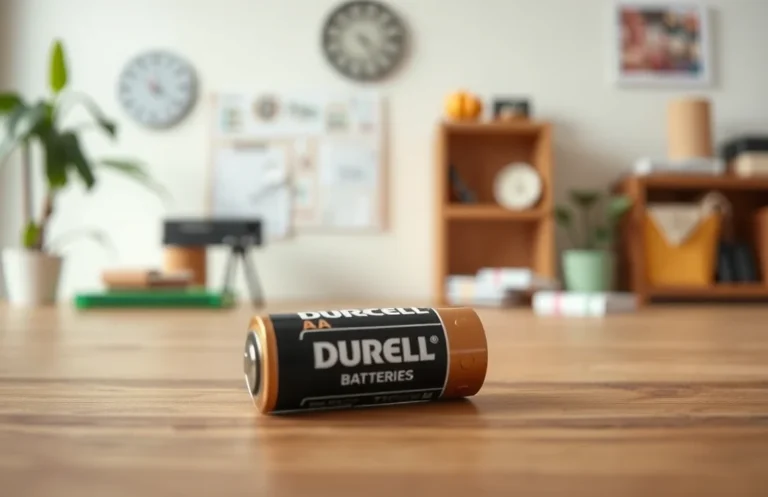
AA batteries do not last a fixed “number of days.” The same pair can power a remote control for months or a flashlight for hours, because runtime is mostly about current draw. The biggest spec that matters is the battery’s mAh rating (and your device’s sleep-versus-use power). If you only look at the AA label and ignore the device load, you’ll get the wrong expectation.
AA batteries last anywhere from a few hours to several months, depending on the device. Alkaline AAs often last weeks in low-drain remotes, but only hours in high-drain flashlights. Rechargeable NiMH AAs usually run similar or slightly less per charge than alkaline, then age out over time. Shelf life is often years in storage.
How Long Do Aa Batteries Last?
Recommended Products

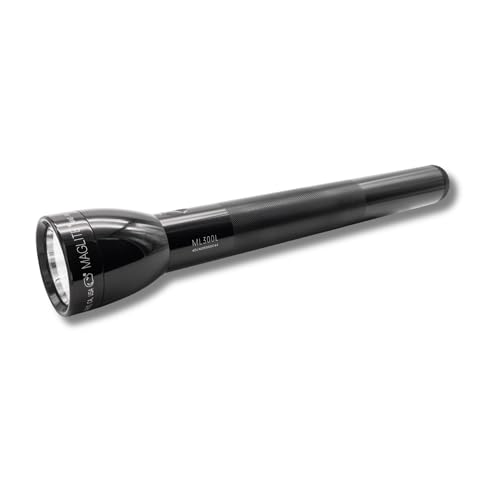
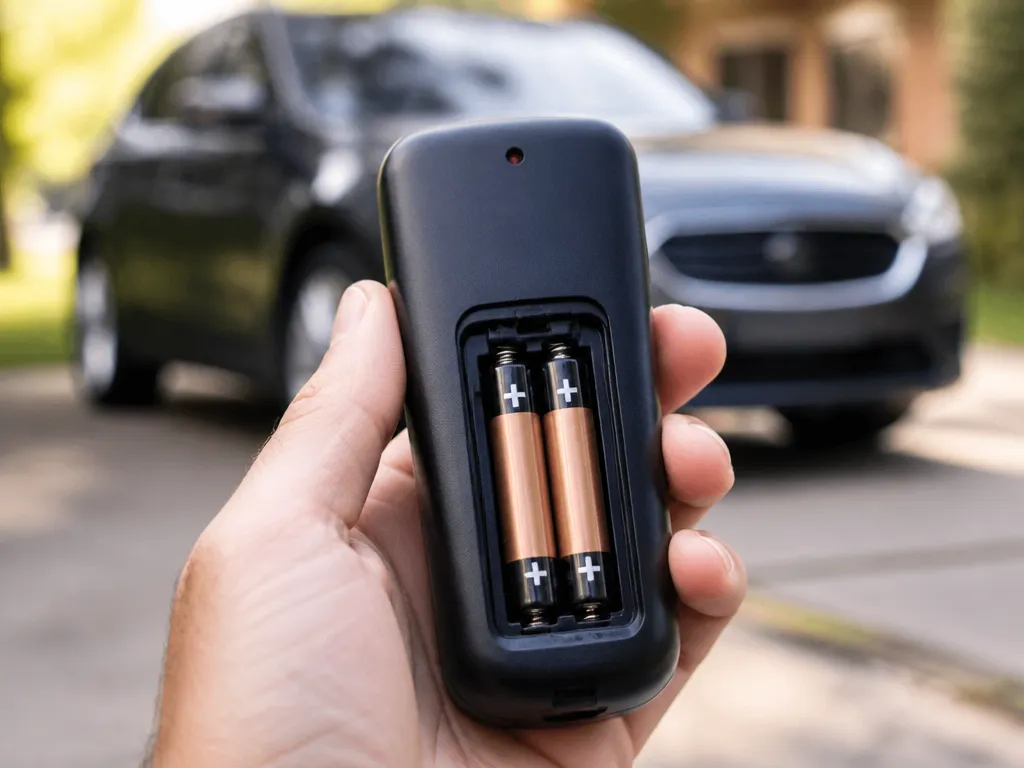
A useful quick estimate is mAh (or “rated capacity”) divided by your average current draw in mA, then adjusted downward because real devices use power in bursts and batteries lose usable capacity as they discharge.
For a first pass, use this rule of thumb: Runtime (hours) ≈ (battery mAh ÷ device average current mA) × efficiency factor. If you only have a rough guess, use an efficiency factor around 0.7 to 0.9 for many everyday situations, then refine after you observe real runtime.
For example, a 2000 mAh AA in a device averaging 200 mA can run about 10 hours before the voltage drops enough to feel “weak.”
On-use Life Vs Shelf Life
Operational life is time spent delivering power until the device starts acting up or the voltage sags too far for proper operation. Shelf life is how long batteries keep usable capacity while sitting in storage, which depends on chemistry and how warm or humid the storage area is.
Typical expectations for storage are: alkaline AAs usually keep longer than many older “heavy duty” brands once you buy them, while rechargeable NiMH loses capacity more quickly while stored (though it can still be fine if you recharge before use). If your batteries are years old, test them under load because “new in the drawer” can still mean “partly spent.”
Battery life also changes with use pattern because the device draws more current at startup, during screen updates, motor spins, or radio bursts. Continuous draw (flashlight for long stretches) gives less effective capacity than intermittent use (camera that turns on, takes a shot, then sleeps). Heat during operation can shorten life and worsen voltage sag.
| Source of variation | What it does to runtime |
|---|---|
| Higher current draw | More voltage sag and earlier “end of life” behavior |
| Intermittent vs continuous use | Intermittent use often extends practical runtime |
| Low temperatures | Lower available capacity and weaker performance |
| Storage heat | Reduces remaining capacity even before use |
| Battery age | Capacity is lower and internal resistance is higher |
Practical signs to replace AA batteries: dimming LED output, radio dropouts, “low power” alerts, slow motor behavior, or devices that work briefly then shut off. These are more reliable than battery “age” alone because different devices reach cutoff at different voltages.
AA chemistry affects both shelf life and how they behave under load: alkaline tends to deliver a steadier feel until it falls off, while rechargeable NiMH is often more consistent during many intermittent loads but has more self-discharge during storage. If you want reliable “grab-and-go,” match the battery type to how your device actually uses power, not just the capacity number.
Next, compare runtime expectations for common AA types in real devices, including what to expect from alkalines versus rechargeable NiMH.
Aa Alkaline Runtime Expectations
AA alkaline runtime changes more with device power draw than with brand. A good rule of thumb is that alkalines last about days to weeks in moderate, intermittently used gadgets, and only days or less in high-drain gear. Continuous use can cut runtime dramatically because alkaline voltage sags under load.
Capacity ratings are usually based on a controlled drain rate, meaning the “mAh” or capacity number you may see is not a promise for every device. With alkalines, the higher the drain (amps) and the more “peaky” the load, the faster the battery voltage drops to the point where the device throttles, beeps, or errors out. That is why two AA pairs can feel wildly different in everyday use.
Continuous Drain Vs Intermittent Loads
Continuous drain is the harsh case for alkalines because the chemistry keeps working at a steady load until voltage falls. Intermittent use lets the battery recover slightly between bursts, so the device runs closer to its intended voltage window. As a result, a flashlight used in short bursts often lasts much longer than the same flashlight run in “turbo” mode for hours.
For example, a remote control with brief transmission periods can stretch the calendar life, even if the batteries still age slowly while sitting. By contrast, battery-powered toys with constant motors or heaters pull high current and drive faster voltage drop and heat buildup.
Where Alkaline Cells Fall Short
High-drain electronics expose a key weakness of alkalines: they give less usable energy at higher current. Devices that demand lots of current can hit low-voltage limits sooner, even if the cells still have some charge left. This is common in cameras, some digital flash, motorized tools, and anything with wireless transmit peaks.
Alkaline performance is also sensitive to temperature and shelf life. Heat speeds internal degradation while cold can reduce output briefly under load, so “it worked last month” can turn into “it fails today” depending on storage conditions.
| Device type (AA alkaline) | Typical “feels like” runtime | What ends first |
|---|---|---|
| Remote, wall clock, TV remote | Weeks to months (intermittent) | Gradual voltage sag |
| TV remotes with frequent use | Months (more active) | Transmission peaks |
| Flashlight, high-power LED | Hours to days (depends on brightness mode) | Voltage sag under high drain |
| Motor toys, vibrating devices | Days (often) | High-current depletion |
Practical replacement trigger: if the device starts failing or dimming quickly, or if it throws low-battery errors early, the remaining energy may still be there but not in a usable voltage range. Replace the pair or set rather than mixing partially used cells.
Aa Nimh Rechargeables Runtime
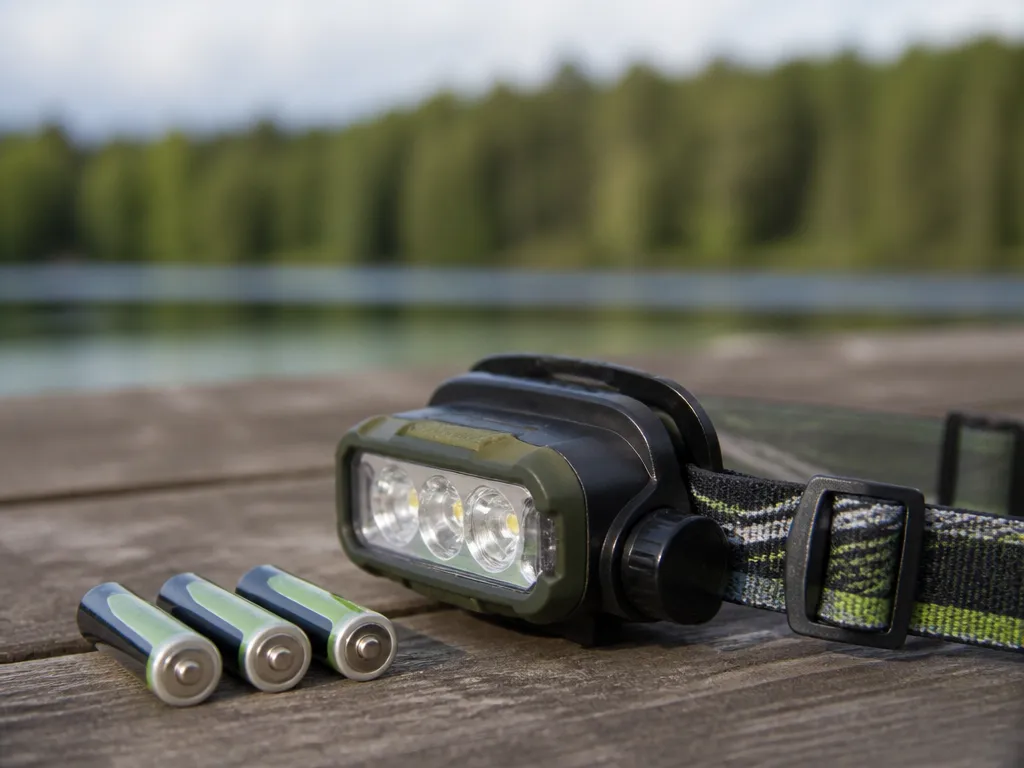
Fresh NiMH AA cells usually run in the rough range of weeks to months, but runtime swings with device drain. A low-drain remote might last many times longer than a high-drain camera flash, even if both say “AA.”
New vs aged NiMH changes how long you get from the same slot count. NiMH capacity fades with cycles and calendar time, and the internal resistance rises, so the cell hits the device’s “low voltage” behavior sooner during higher current bursts. That is why a pair of “full” cells can feel weak in a high-drain flashlight right after storage, even when they are not completely dead.
Self-discharge And Why Storage Can Look Worse In Low-drain Gear
NiMH self-discharge is higher than alkaline, so cells lose usable charge while sitting. A low-drain device can mask this at first because consumption is small, but it can still show early low-battery warnings when the voltage sags under intermittent loads. After a few weeks in storage, the device might start acting weak sooner than you remember from when the cells were brand new.
Continuous loads such as a motor or LED torch in steady mode reveal capacity limits more quickly than intermittent loads such as TV remotes.
| AA use case | What you’ll notice with weaker NiMH |
|---|---|
| Remote, wall clock | Late battery warnings, sometimes sooner after storage |
| Handheld flashlight (bright mode) | Dimming and early cutoff during bursts |
| Camera flash | Longer recycle time, reduced number of flashes |
Quick buy/maintenance checks: label cells for a “freshest-first” rotation, keep a spare set in the rotation, and avoid keeping cells unused for months if the device is safety-critical.
NiMH beats alkaline when you recharge often, want consistent performance, and plan to cycle batteries through a charger. NiMH can lose more charge while stored, so alkaline can win if you need a set to sit for a long time with minimal use, or if you do not want to recharge.
Estimate Runtime From Load
Use your AA’s capacity (mAh) and the device current (mA), then apply an efficiency and cutoff allowance to get a realistic estimate.
For example, a device that averages 250 mA and uses one AA cell would estimate as 2000 mAh ÷ 250 mA = 8 hours before losses. Applying a 0.75 allowance gives about 6 hours in real use. A device that runs only 10 seconds per minute has an average current closer to 250 mA × (10/60) ≈ 42 mA, which scales runtime up dramatically.
| What you know | What you estimate | How to calculate |
|---|---|---|
| Device current (mA) | Runtime from mAh | Runtime ≈ Capacity ÷ Current, then multiply by 0.7 to 0.85 |
| Device power (W) | Current (mA) | Current ≈ (Power ÷ AA voltage) × 1000 |
| Intermittent use | Average current | Average current ≈ Current × duty cycle |
Safety and reliability note: Weak cells show up as dim displays, low-power warnings, inconsistent Bluetooth or radio behavior, or motors that slow down. Replace the set when performance drops, since capacity declines with age and high drain accelerates voltage sag.
Battery health note: Rechargeables can look “fine” at rest voltage but sag under load. A runtime estimate based only on a fresh mAh spec can overstate life if the cells are old, repeatedly recharged without full discharge, or have sat unused for a long time.
Batteries And Devices Compatibility
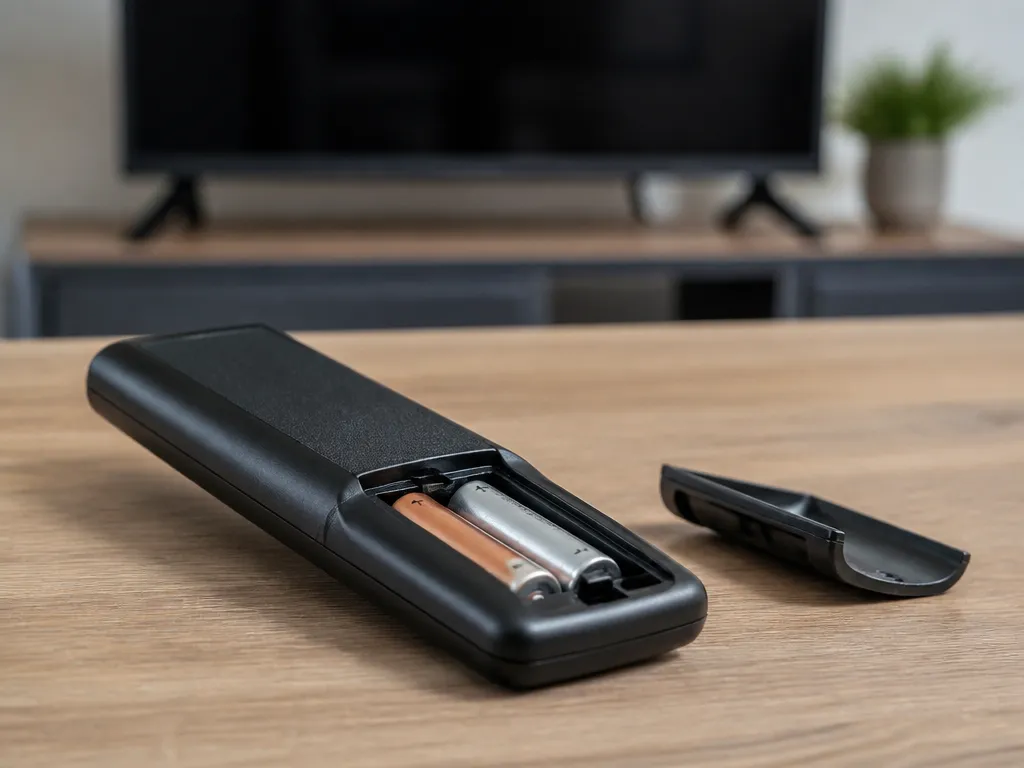
Battery life in AA devices often ends earlier than the label capacity because the device forces an early “low battery” cutoff. Voltage sag under load, weak contacts, and mixed cell types can trigger that cutoff even when some energy remains.
AA cells are nominally 1.5 V (alkaline) or 1.2 V (NiMH), but devices respond to voltage at the moment they draw current. High-drain tasks like camera flashes, loud audio, or motors pull extra current, and that draw creates voltage droop at the battery terminals. When the device detects a voltage threshold, it can dim an LED, sound a warning, or stop operation, even though the cells still have usable charge.
| Device behavior you see | Likely compatibility cause | What to check |
|---|---|---|
| LEDs dim, then shut off | Cutoff triggered by voltage sag | Cell type (alkaline vs NiMH), current draw, fresh set vs mixed set |
| “Low battery” error immediately | Wrong cell chemistry or very weak cells | AA type installed, device battery indicator logic |
| Works briefly, then stops under load | High internal resistance or poor contacts | Contacts for corrosion, battery insertion cleanliness |
Mixing Cells And Chemistry
Mixing old and new AAs, mixing brands, or combining different chemistries shortens usable life and can cause one cell to hit the low-voltage point first. A device that uses multiple cells in series or parallel effectively relies on the weakest cell to set the pace. Rechargeable NiMH can also recover differently than alkaline, so a mixed set can confuse both runtime and the device’s low-battery trigger.
Contact Resistance And Corrosion
Battery contacts add resistance, and that resistance increases voltage sag exactly when the device draws more power. Corrosion, tarnish, and spring tension loss can make even fresh cells behave like nearly-empty ones.
In practice, that shows up as intermittent operation, reduced brightness, or error messages during higher load moments.
Safety warning: Stop using any AA that is swollen, leaking, hot, or smells unusual. Replace all cells together after you find damage, and never mix compromised cells with good ones.
Charger pairing matters too, especially for rechargeables. A charger that targets NiMH (typical AA “smart charger” designs) should not be used for alkalines, and a charger for one cell format should not be forced onto another. When rechargeable cells are overcharged or charged incorrectly, they can develop higher internal resistance, which makes voltage sag and early cutoffs more likely.
Big Factors That Change Life
Temperature, battery age, and storage conditions can substantially change the usable capacity of an AA cell, even when the device and chemistry stay the same.
Temperature And Usage Pattern
Cold slows the chemical reactions that power a battery, so a flashlight or toy may seem “dead” even when the AA cell still has remaining charge. Heat can make batteries deliver higher current briefly, but it also accelerates capacity loss over time, especially for alkaline and older cells stored warm.
Duty cycle affects the difference between “days” and “weeks.” A device that runs in short bursts uses less total energy than one that draws steady current for long stretches.
Battery Age, Shelf Time, And Storage Conditions
Battery age matters because AAs lose capacity even when you are not using them, a process often called self-discharge. Shelf life is longest when cells are cool, dry, and kept in sealed packaging until you need them.
In practice, “fresh from a drawer” can be the difference between a device working normally and it failing early. Old alkaline cells are especially sensitive to years of storage, while rechargeable NiMH cells can also lose charge after long storage if they were not kept charged or refreshed.
| Factor | What you see | Most affected |
|---|---|---|
| Cold use | Voltage sags under load, weak output | All AA types |
| Hot storage | Faster capacity drop over months | Alkaline, older cells |
| Long shelf time | Low runtime even if “unused” | Alkaline, stored NiMH |
Rule-of-thumb for estimating: treat the device as drawing “average power” based on duty cycle, and plan for weaker performance in cold. Example: a gadget that is active 10% of the time can last roughly 10x longer than a steady-on load of similar current, before other losses like temperature come into play.
Storage conditions also include handling and packaging. Damp environments, mixed brands or partially depleted cells in the same device, and leaving batteries loose in metal contact areas can all reduce effective performance and increase risk.
High-current draws such as video lights and high-power flashes pull harder on the battery, so voltage drops sooner even when the cell still has some remaining capacity.
Signs To Replace Aa Batteries
Frequent early replacement usually starts with voltage sag under load, which shows up as weak output, slow device behavior, or repeated low-battery warnings. Replace cells as soon as performance drops in high-drain moments, because the “slow failure” phase can worsen until a device stops mid-task.
AA chemistry also matters: alkaline cells tend to lose power gradually, while rechargeable NiMH often show a clearer drop when capacity is nearly used. Both types can look “mostly fine” in a low-drain gadget, yet fail quickly in a flashlight or camera.
Common Warning Signs In Alkaline Vs Nimh Cells
Battery weakness looks different depending on device type and drain rate. Low-drain remotes might keep working while the cells are already below their best, while motors and flashes reveal weakness fast.
For sensitive electronics, the best replacement trigger is any behavior that suggests undervoltage. Cameras may refuse to charge their flash, and some devices report a low-battery error when the current draw spikes.
Device-specific Checks And Quick Replacement Timing
In practice, you can get a reliable read on battery health by testing the symptom under load. Use the device in the setting that previously worked best, then watch for dimming, shutdown, or slow charging behavior.
Suspect cells can also create safety problems, especially if a battery looks damaged. Handle them carefully and do not keep using a cell that heats up, leaks, or swells.
Storage can hide weakness until the next heavy-use event. If AA performance is already borderline in one device, treat that as a sign the cells are near the end of usable capacity and plan replacement across the household set.
Maximize How Long They Last
AA battery life drops fastest when batteries sit warm, leak, or get accidentally shorted by loose metal contacts. Storage and contact condition can add months of shelf life and reduce the “mystery” failures that make packs feel unreliable.
For example, a TV remote left in a hot room still loses output even if you rarely press buttons, because small corrosion and self-discharge add up over time. A flashlight kept in a drawer also stays usable longer if you store it away from temperature extremes and remove cells after long storage.
For storage, keep cells in original packaging or a non-conductive holder so metal ends cannot touch and cause self-discharge. For on-hand organization, store by device category (remotes, smoke alarms, toys, cameras) so you install the freshest matched set where it matters.
For contact cleaning, focus on removing residue and improving the metal-to-metal interface, since higher resistance makes devices “feel” like the batteries are dying early. After cleaning, wait until everything is fully dry before inserting new cells, especially if the battery bay looks humid or has any white or green corrosion buildup.
Quick Cheat Sheet For Aa Use
Alkaline cells often suit low-drain, intermittent gear, while NiMH rechargeables are useful when a device drains cells quickly and you can recharge them regularly. Expect substantial differences between devices.
Expected Runtimes By Common Aa Devices
These ranges are practical expectations, not guarantees, because battery brand, temperature, and “how hard” the device works change the outcome. Use the ranges as a planning guide, then check for early warning signs like dimming, slower operation, or low-battery messages.
| Device type | Typical use style | Expected AA lifespan range (order-of-magnitude) | What shortens it |
|---|---|---|---|
| Intermittent TV remotes | Rare button presses | Months to a couple years | Frequent use, weak signal batteries in the remote, cold weather |
| Flashlights | Continuous high output | Hours to tens of hours | High brightness mode, frequent warm-up to full output, cheap alkaline with higher internal loss |
| Flashlights | Pulsed or low mode | Days to months | Leaving on in a “low” mode, strobe/pulse patterns |
| Game controllers | Frequent bursts + polling | Several weeks to a few months | Vibration, constant wireless link activity, low-battery sag |
| Toys and cameras | Motor drive or camera bursts | Hours to weeks | High-drain bursts, frequent flash, stiff motors that pull big current |
| Smoke alarms and clocks | Low-drain, steady load | Months to years | Old stock cells, high temp storage, replacing with mismatched types |
Intermittent remotes can look “great” for a long time because average current draw is low between presses. Remote range depends on battery voltage under load, so a partially discharged cell can still send commands briefly, then fail earlier than you expect when the environment is cold.
For example, a camera that fires a burst and flash a few times per outing may still empty AAs sooner than a toy that runs its motor steadily at lower average power. Burst current causes extra voltage sag, which makes the device quit even if some energy remains inside the cells.
Rule of thumb: If you can estimate average current draw, you can ballpark runtime by comparing it to the battery’s capacity (higher current, shorter runtime). For AA planning, usage patterns matter at least as much as capacity printed on the label.
Why Low-drain Gear Can Hide Weak Cells
Smoke alarms, clocks, and some sensors draw very little power, so they may keep running as batteries weaken. Low-drain devices can seem fine until the warning threshold hits or a self-test finds insufficient voltage under a short load.
Smoke alarms especially use electronics and periodic checks that can detect low voltage before the alarm actually sounds. Clock backups can mask aging because they keep time for a while even when the cells are losing reserve, then reset suddenly when the voltage drops below the regulator’s minimum.
When replacing, treat “weakness” signs as the cue, not the calendar. If you see dim operation in a flashlight, intermittent control response, or early warnings in a smoke alarm, the practical lifespan for that battery is essentially over for that device, regardless of what you expected.
Quick Summary
Alkaline AAs often last weeks in low-drain remotes, but only hours in high-drain flashlights.
For an estimate, use Runtime (hours) ≈ (battery mAh ÷ device average current mA) × efficiency factor, with about 0.7 to 0.9 allowing for bursts and capacity losses. Shelf life differs from on-use life: batteries can sit for years but may drain in weeks once installed, while continuous high drain can end in hours to days. Match chemistry to the device load and replace cells when voltage drops, causing dim LEDs or low-battery alerts.
Frequently Asked Questions
How Long Do Aa Batteries Last In Everyday Devices Like Remotes And Flashlights?
Flashlights and motors generally drain AA cells much faster than low-drain remotes. Battery chemistry, device settings, and usage patterns explain the difference between hours and months.
Will Rechargeable Aa Batteries Last As Long As Alkaline Aa Batteries Per Charge?
Rechargeable AAs are often lower capacity per cell than new alkalines, but they can deliver many recharges, so your cost per year can be lower. Check the packaging for whether the cells are NiMH and look for an mAh rating, because higher mAh generally means longer runtime.
Do Aa Batteries Get Warm While Charging, And Is Heat A Sign They Are Failing?
Some warmth is normal during charging, especially with fast or higher-rate chargers, but you should not see extreme heat. If the cells become hot to the touch, leak, or smell, stop using the charger immediately and replace the cells.
How Long Should I Keep Using Aa Rechargeable Batteries Before Replacing Them?
If your runtime drops noticeably, that is usually your cue to replace them, even if the cells still “work.” Many users treat rechargeable AAs as “replace when they no longer meet your expected runtime,” and rotating between a matched set helps avoid one weak cell dragging performance.
What Is The Most Common Mistake That Makes Aa Batteries Last Less Time Or Charge Poorly?
A common mistake is mixing old and new cells, or mixing different battery types in the same device, which can cause uneven performance and earlier failure. Another big one is using a charger that does not match your cells, so verify the charger is for AA NiMH (and the correct charging mode, like not trying alkalines in a rechargeable charger).

- 10 Best Battery For Generator Battery Safety System 2026 - October 12, 2026
- 10 Best Battery For Generator Battery Safety Option 2026 - October 12, 2026
- 10 Best Battery For Generator Battery Safety 2026 - October 12, 2026