
Cr2050 Vs Cr2032 Vs Cr2025 Comparison: Which Battery Fits Your Needs?
Swapping a coin cell battery seems simple until you realize the numbers on the casing dictate more than just physical fit. Using the wrong size often leads to a loose connection or a device that refuses to power on at all. Matching the correct chemistry and dimensions is the only way to ensure your remote, key fob, or small electronics function reliably without damaging the battery contacts.
CR2050, CR2032, and CR2025 batteries differ primarily in their thickness and total capacity. The last two digits represent the thickness in tenths of a millimeter, meaning a CR2032 is 3.2mm thick while a CR2025 is 2.5mm. All three share a 20mm diameter and 3V output, but capacity varies significantly based on internal volume.
Cr2050 Vs Cr2032 Vs Cr2025 Comparison
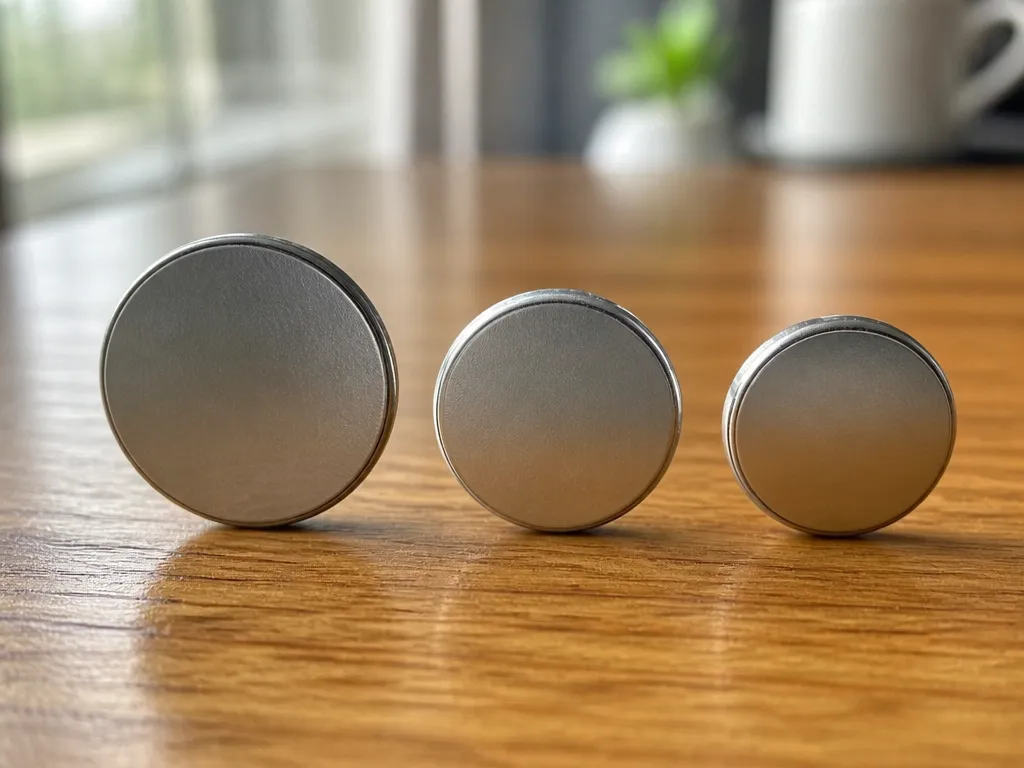
Lithium coin cells use a standard alphanumeric naming convention where the first two digits represent the diameter in millimeters and the last two digits represent the thickness in tenths of a millimeter. All three of these batteries share a nominal voltage of 3 volts and utilize the same manganese dioxide lithium chemistry.
Physical sizing determines which cell fits your specific device holder, as these batteries are not interchangeable. A device designed for a thinner battery will not close properly if you insert a thicker cell, while a smaller diameter cell will fail to make contact with the terminals of a larger housing.
| Model | Diameter (mm) | Thickness (mm) | Nominal Voltage |
|---|---|---|---|
| CR2025 | 20.0 | 2.5 | 3.0V |
| CR2032 | 20.0 | 3.2 | 3.0V |
| CR2050 | 20.0 | 5.0 | 3.0V |
Standardized dimensions ensure that the 20mm diameter remains consistent across all three variants, but the thickness creates significant differences in internal volume. The CR2050 is notably thicker than the more common CR2032 and CR2025, which often prevents it from fitting into standard watch or key fob slots that were engineered for the thinner versions.
Safety Warning: Never force a battery into a compartment if it does not fit easily. Attempting to close a battery door over a cell that is too thick can crush the casing, leading to internal shorts, electrolyte leakage, or localized overheating. Always verify the model number stamped on your original battery or listed in the manufacturer manual before purchasing a replacement.
Differences in thickness also mean that the contact springs in your device may exert different levels of pressure on the cell. If a battery is too thin for the intended slot, it may rattle or lose electrical continuity during movement. Conversely, using a thicker cell than specified can place excessive strain on the plastic battery tabs, potentially causing the latch to break or the housing to crack over time.
Capacity And Runtime Differences
CR2050 batteries offer approximately 300mAh capacity, CR2032 cells provide around 225mAh, and CR2025 batteries deliver about 165mAh. The thickness variation between these models directly impacts their energy storage capabilities and runtime performance in electronic devices.
The thickness of these coin cells correlates directly with their internal volume and available active material for chemical reactions. A CR2032’s 3.2mm thickness allows for more lithium material than the 2.5mm CR2025, resulting in approximately 36% higher capacity. Similarly, the CR2050’s 5.0mm thickness provides significantly more storage space than both thinner models.
Runtime varies significantly depending on the device’s power requirements. A CR2032 might power a remote control for 1-2 years with its moderate power draw, while the same battery in a higher-drain device like a fitness tracker might last only 3-6 months. The CR2050’s extra thickness translates to noticeably longer life in continuous-drain applications but offers less advantage in pulse-drain scenarios where the device alternates between active and sleep states.
Continuous loads drain batteries more predictably than pulse loads. A device drawing constant current will discharge a CR2032 in about 225 hours per milliamp, while the same battery in a device with intermittent usage might last 50-100% longer due to recovery periods between pulses. The CR2050 maintains better performance under continuous loads due to its larger electrolyte reservoir, reducing voltage sag during extended discharge cycles.
Device Fit And Compatibility
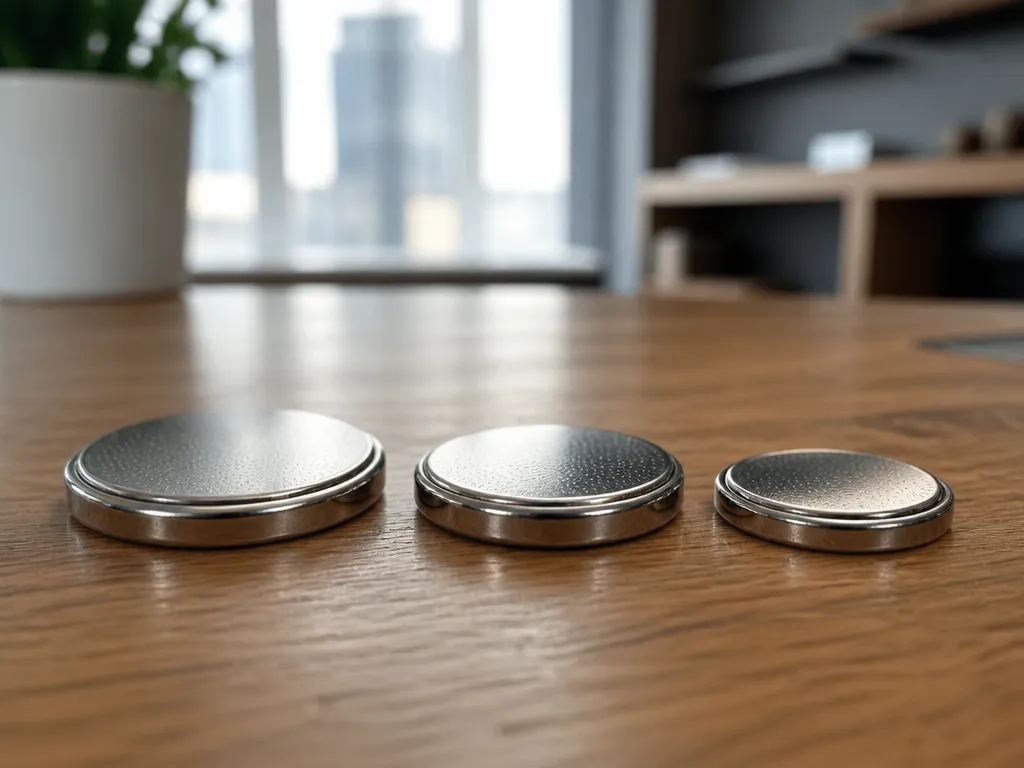
The numbers in these battery designations represent the physical dimensions of the cell. The first two digits indicate a 20mm diameter, while the last two digits specify the thickness in tenths of a millimeter.
| Battery Model | Diameter | Thickness | Fitment Risk |
|---|---|---|---|
| CR2025 | 20mm | 2.5mm | May be too loose for 2032 slots |
| CR2032 | 20mm | 3.2mm | Standard for most coin-cell devices |
| CR2050 | 20mm | 5.0mm | Will not fit in 2025 or 2032 slots |
Contact Tension And Mechanical Risks
Contact points in battery compartments rely on spring tension to maintain an electrical connection. A battery that is too thin will not compress the spring enough to create a reliable circuit.
For instance, using a CR2025 in a slot designed for a CR2032 often leads to intermittent power. The device might turn on, but it will shut down if the unit is moved or vibrated.
Thicker cells create a different problem. A CR2050 is significantly taller than a CR2032 and will not fit into a standard small-cell slot.
For example, attempting to force a CR2050 into a CR2032 compartment can permanently bend the contact tabs or crack the plastic battery tray. This damage often requires a full device repair.
Voltage And Electrical Safety
All three of these lithium cells provide a nominal voltage of 3V. Because the voltage is identical, there is no risk of overvoltage damage when swapping between these specific models.
The risk is purely mechanical. Users should always verify the exact model number printed on the existing battery before purchasing a replacement.
Safety And Storage Guidelines
Lithium coin cell batteries pose serious ingestion risks to children and pets due to their small size and bright appearance. These batteries can cause severe internal chemical burns and tissue damage when swallowed.
Proper storage of lithium coin cells is critical to prevent accidents. Store batteries in their original packaging or in a secure container with a child-resistant lid, kept in a location inaccessible to children and pets.
Preventing Accidental Ingestion
Always replace battery compartment covers immediately after changing batteries. Use electrical tape to secure compartments if they become damaged or loose. Check devices regularly to ensure battery compartments remain secure.
Managing Heat And Swelling
Exposure to heat can cause lithium coin cells to swell or leak, creating safety hazards. Store batteries at room temperature, away from direct sunlight, heaters, or appliances that generate heat.
If you notice a battery that appears swollen, cracked, or leaking, handle it with care using gloves and place it in a non-flammable container for proper disposal. Do not attempt to use or recharge a damaged battery.
| Temperature Condition | Risk Level | Recommended Action |
|---|---|---|
| Below -20°C (-4°F) | Low | Allow to warm to room temperature before use |
| Room temperature (20-25°C) | Minimal | Ideal storage condition |
| Above 60°C (140°F) | High | Replace battery, check for damage |
Optimal Temperature For Long-term Storage
The ideal temperature for long-term storage of lithium coin cells is between 10-20°C (50-68°F) with moderate humidity levels. Storing batteries in extreme temperatures can significantly reduce their shelf life and performance.
For extended storage (over a year), consider refrigerating batteries in a sealed plastic bag to prevent condensation. Before use, allow refrigerated batteries to return to room temperature to prevent potential condensation issues when inserted into devices.
Always check battery expiration dates and rotate your stock, using older batteries first to ensure maximum reliability when needed. Properly stored lithium coin cells typically have a shelf life of 5-10 years.
Replacement And Troubleshooting Steps
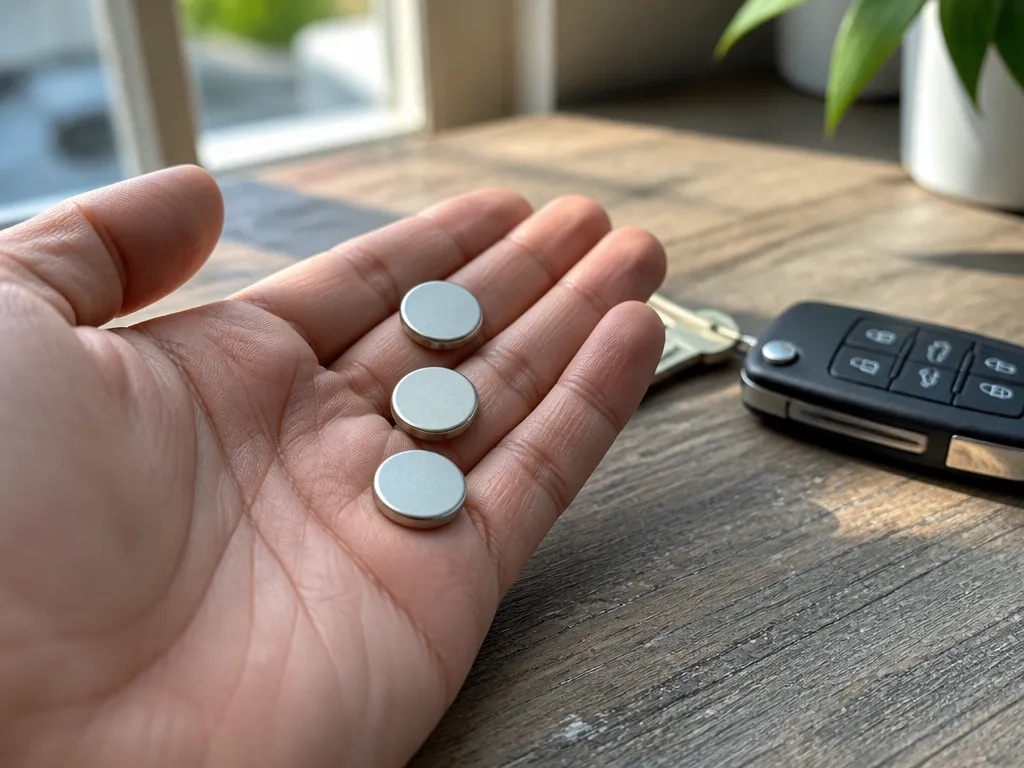
Coin cells fail when their internal resistance rises, typically causing device reset loops, dim displays, or intermittent connectivity. A simple voltage test using a digital multimeter often reveals a dead cell, as a fresh 3V lithium battery should read slightly above 3.0V while a depleted one often drops below 2.5V under load.
Corrosion on battery contacts appears as a white, powdery residue or dark pitting that prevents electrical flow. This buildup creates high-resistance points that kill battery life prematurely and can permanently damage delicate circuit boards if left unchecked.
Corrective Maintenance Procedures
Safety Warning: Never use a metal screwdriver to pry a stuck battery out of its holder if the battery is still partially connected. This can cause a direct short circuit, leading to rapid heat generation and a risk of battery rupture. Always use a plastic spudger or a non-conductive tool to perform swaps.
Signs of a failing battery include erratic device behavior, such as a remote control that only works when held inches from the receiver or a memory backup that resets after a power outage. If a battery appears swollen, leaking, or physically deformed, remove it immediately using gloves to avoid chemical burns from the electrolyte.
Buying Checklist For Coin Cells
Coin cells use a standardized naming convention where the first two digits indicate the diameter in millimeters and the last two indicate the thickness. Using the exact model number listed in your device manual is the only way to ensure a secure fit and correct electrical contact.
Physical dimensions vary significantly between these models. While they all share a 20mm diameter, the height changes from 2.5mm for the CR2025 to 5.0mm for the CR2050.
Brand choice affects the long-term reliability of the cell. Name-brand manufacturers maintain tighter tolerances for voltage and capacity.
Generic batteries often have higher self-discharge rates. This means they lose power faster while sitting on a shelf.
| Model | Diameter | Thickness |
|---|---|---|
| CR2025 | 20mm | 2.5mm |
| CR2032 | 20mm | 3.2mm |
| CR2050 | 20mm | 5.0mm |
Expiration dates are critical for these components. Lithium chemistry degrades over time, which reduces the total milliamp-hours (mAh) available.
Safety Warning: Keep coin cells away from children and pets. These batteries are small enough to be swallowed and can cause severe internal chemical burns.
Quick Summary
These lithium manganese dioxide coin cells share a 20mm diameter and a 3V output, but their thickness varies significantly. The model number provides the specific height in tenths of a millimeter, where a CR2025 is 2.5mm thick and a CR2032 is 3.2mm thick. Because these dimensions differ, the batteries are not interchangeable. You must verify the model number stamped on your original battery to prevent loose connections or devices that will not power on. Never force a thicker battery into a thin slot to avoid bending contacts.
Capacity and runtime depend on the internal volume provided by the cell thickness. While a CR2025 has about 165mAh, the CR2032 provides approximately 225mAh, and the CR2050 offers around 300mAh. Using a battery that is too thick can crack housings or cause electrolyte leakage due to excessive pressure. Always match the exact thickness specified in your manufacturer manual to ensure electrical continuity and device safety.
Frequently Asked Questions
Can I Use A Cr2032 Battery In A Device That Asks For A Cr2025?
Yes, they both provide 3V, but the CR2032 is 0.7mm thicker than the CR2025. It may not fit in the battery compartment or could bend the metal contacts if you force it.
Does A Cr2050 Last Longer Than A Cr2032?
Yes, because it is physically thicker, the CR2050 has a higher milliamp-hour (mAh) capacity. This allows it to power your device for a longer period of time than the thinner options.
Will A Cr2050 Fit In A Slot Designed For A Cr2032?
No, a CR2050 is 5.0mm thick while a CR2032 is only 3.2mm. It is physically too large to fit and you should not attempt to squeeze it into the slot.
Is It Safe To Store These Coin Batteries In A Loose Jar?
No, you should store them in their original packaging or a plastic case to prevent accidental short circuits. If the terminals touch other metal objects, they can leak or overheat.
How Do I Know When It Is Time To Replace My Coin Cell Battery?
You should replace the battery when the device becomes unresponsive or the screen dims. Most coin cells are considered depleted when the voltage drops below 2.5V under load.

- 10 Lithium Battery For Luminous Inverter 2026 - September 28, 2026
- 10 Lithium Battery For Lawn Mower 2026 - September 28, 2026
- 10 Best Lithium Battery For Livescope Ice Bundle 2026 - September 28, 2026